Free video meetings for colleges and vocational schools
Review a technical drawing, discuss a placement report, or bring a class together with a workplace mentor. Use Planaro’s free plan for a shared conversation and a clear view of the material.
Meetings, screen sharing and chat. Recording: up to 2 hours, stored for 30 days.
Planaro editorial team · Updated 20 November 2026
Put the working document first
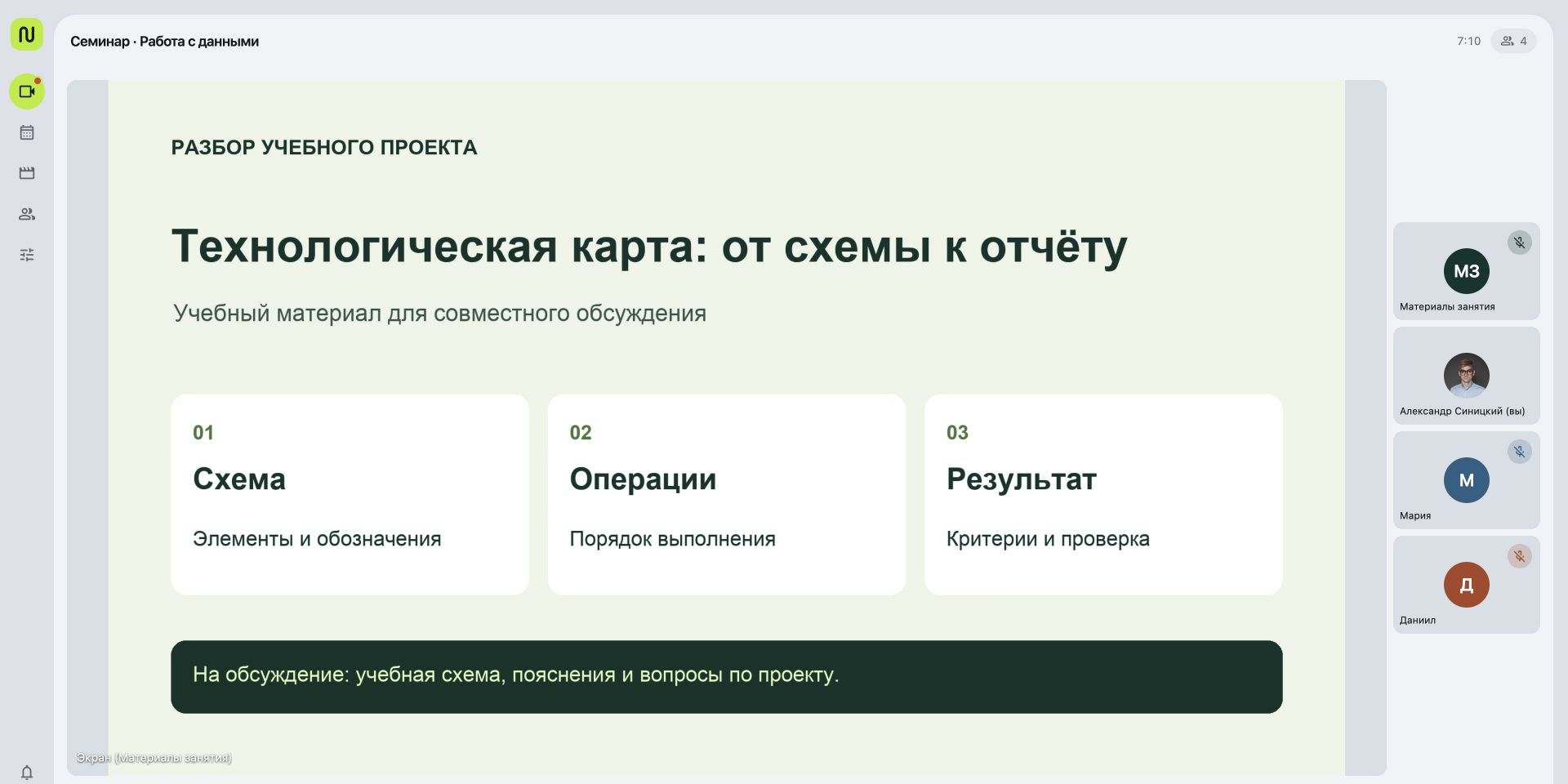
Vocational subjects often need more than a conversation. Open the drawing, process sheet, diagram or spreadsheet in its original application and share the window in Meet. Make labels, measurements and units readable.
Zoom in on the relevant part of a large document and keep the source file in the course. When demonstrating software or a calculation, students can follow the sequence and ask questions by voice or in the chat.
Placement consultations without a trip back to college
Students on work placements may be at different sites. Schedule a consultation with the placement supervisor and say which authorised materials to prepare: a logbook, report, diagram or anonymised example.
Discuss the report structure and specific questions. Do not ask students to show a workplace, company documents or personal information without permission. A call does not by itself confirm placement completion or replace required records.
Invite workplace mentors by link
A mentor can join as a guest to discuss a project or assignment requirements. They do not need an account just for one conversation. Include the class, purpose and time zone in the invitation.
If the discussion concerns individual students, arrange separate meetings or consultation slots. One student’s materials should not automatically be shown to the entire class.
Practise a project presentation
A student can share slides or a working document and discuss it with a teacher. Check images and tables before the presentation, particularly when some participants join on phones.
You can agree to record a practice explanation. Official assessment requirements remain the institution’s responsibility: a video connection is not identity verification, proctoring or automatic certification.
Join a consultation from a phone
Viewing a desktop screen share in the Planaro mobile app has been tested. This lets a student see the material being discussed on their phone. Editing a drawing or large spreadsheet still requires the appropriate software and device.
Test the connection from the actual location. Headphones and a quiet place are better suited to a consultation than a noisy workshop or a journey.
Start classes and consultations for free
The free plan includes video meetings, chat, screen sharing, the calendar, recording and transcription. Current published terms do not limit the number or length of meetings. Begin with one class or a placement consultation.
Each recording can be up to two hours and free storage lasts 30 days. Check participant capacity for your class.
Send a useful invitation
- Subject, class, date and exact time.
- The correct meeting link and guest-entry instructions.
- A list of materials, such as an authorised report and teaching drawing.
- Links to source documents so students can read them outside the screen share.
- A teacher contact for connection problems.
If you use Moodle, add a URL resource to the placement or subject section. Agree on recording access and delivery before saving a session.
Add the meeting to your course →Questions before you start
Can Planaro support vocational teaching?
Use live meetings for remote classes, project reviews and consultations. The college remains responsible for the curriculum, practical training and required records.
Can an online meeting replace workshop training?
That is not proposed here. Meet supports discussion and preparation; it does not perform practical work or certify professional skills.
Does a workplace mentor need an account?
They can use guest entry with an invitation. Test access from the company network before the session.
Bring your next lesson together
Test the connection with a colleague, prepare your materials and send the invitation to your class.