Free video meetings for online schools
Use one meeting service for an introductory lesson, a regular class or an individual consultation. Organise invitations by course and cohort, keep your learning platform, and start for free.
Meetings, screen sharing and chat. Recording: up to 2 hours, stored for 30 days.
Planaro editorial team · Updated 20 November 2026
An introductory lesson without an account for every student
Before enrolling, a student may want to meet the teacher and try a lesson. Send a link to a separate introductory meeting. They can join as a guest without creating an account just for that conversation.
Include the topic, time zone and connection requirements. Keep the introductory room separate from an existing cohort so a widely shared invitation does not bring new people into another class.
Give each cohort a clear meeting link
Name meetings by course, cohort and teacher. Publish the link in your learning platform or the class’s private timetable. Create a separate meeting for a new group, even when the course topic is the same.
Make someone responsible for checking invitations after timetable or teacher changes. Matching titles do not imply synchronised data. Organise account access rather than sharing one teacher’s password across the team.
Review work as well as presenting slides
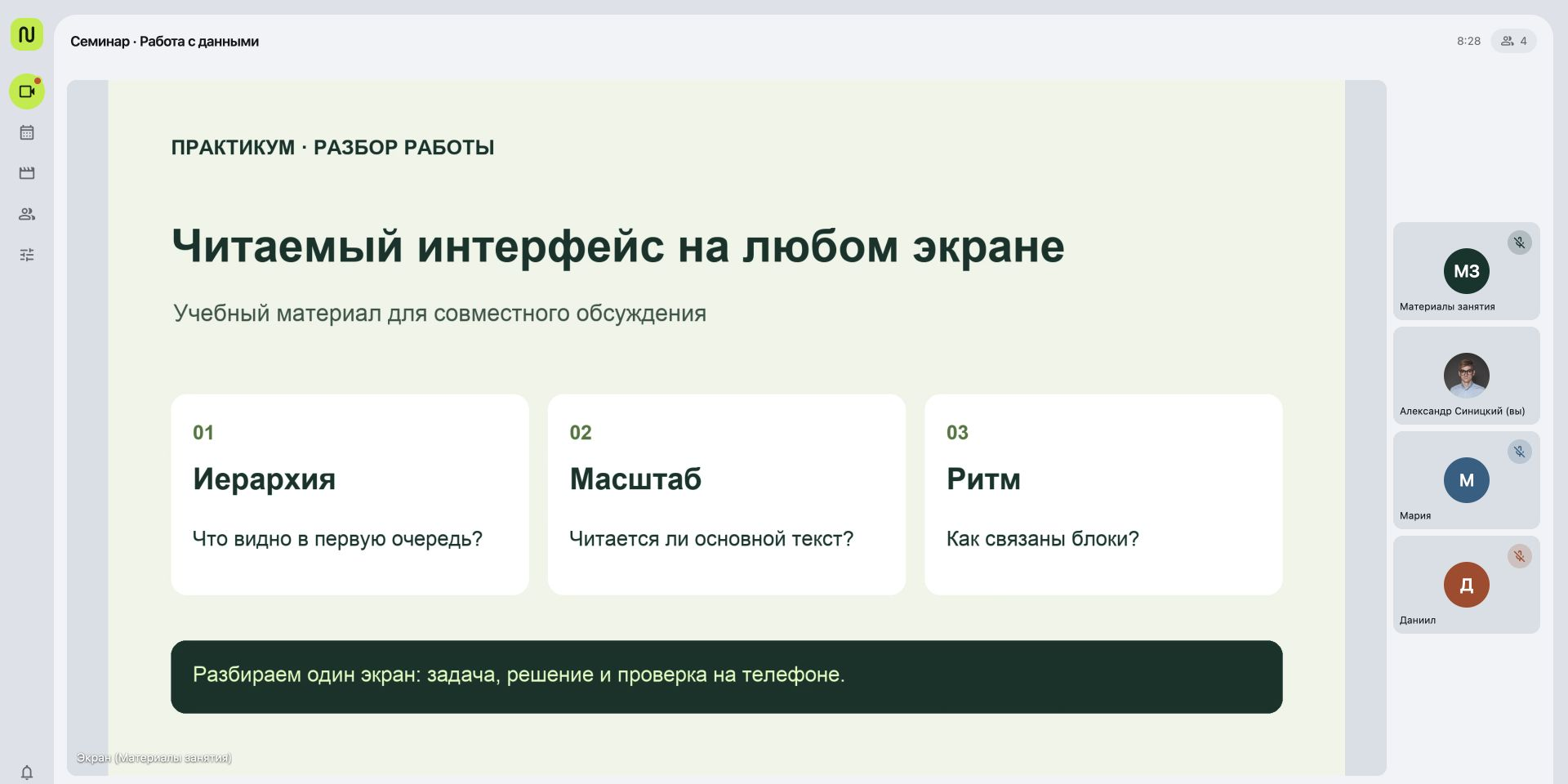
Share a teaching document, design, spreadsheet, code editor or presentation. Discuss the material with the group by voice and in the chat. Keep the source file alongside the lesson for independent reading.
Arrange a separate consultation for individual feedback. For parallel discussions, organise separate rooms and clear invitations. This workflow does not claim automatic assignment of students to learning activities.
Help students who missed a session
Decide what the school will keep after each lesson. If recording was agreed and started, wait for processing, review the result and then place an accessible resource in the course.
A transcript helps locate an explanation, but definitions, terms and numbers need checking. Adding a recording link to a course does not turn it into a permanent archive. Observe the free storage period and save important authorised files in advance using an available option.
Prepare a recording for students →Plan for different time zones and devices
Include the date, the teacher’s local time and its UTC offset. Ask an international class to check their local start time. Schedule the meeting through the Planaro calendar while keeping your usual place for publishing the timetable.
Viewing a desktop screen share in the Planaro mobile app has been tested. State device requirements for practical work in specialist software: watching a lesson and completing an assignment may require different equipment.
Start free and plan costs from actual needs
The free plan includes video meetings, screen sharing, chat, the calendar, recording and transcription. Current published terms do not limit the number or length of meetings.
Each recording can be up to two hours and free storage lasts 30 days.
Keep your existing learning platform
Courses, payments, assignments, progress and certificates can stay in your LMS and other tools. Add Meet as a link for the live session. You can try the meeting service without migrating the school’s course content.
Start with one cohort. Check invitations, guest entry, screen-sharing handovers and access to follow-up material. With several teachers, also check account organisation and ownership of meetings and recordings.
Download a lesson invitation · TXT ↓Questions before you start
Can an online school start for free?
You can run live classes on Planaro’s free plan. The learning platform, course payments and other school services remain separate. See current Planaro pricing terms.
Can I use my existing LMS?
Place a normal meeting link in the course. This method does not claim automatic synchronisation of payments, progress or schedules.
Can I keep a permanent lesson archive for free?
Current published terms keep free-plan recordings for 30 days. Permanent free storage is not promised.
Does a student need an account before an introductory lesson?
Guest entry is available through the invitation link. The organiser creates the meeting in their account.
Bring your next lesson together
Test the connection with a colleague, prepare your materials and send the invitation to your class.