Message in the app
Use a private chat to choose a game, agree on a time and decide who to invite. You do not need to get everyone on a call just to make plans.
Create a browser voice room and invite your friends by link. Talk before the match, share a PC screen with someone watching on a phone and keep the same room when your group changes games. Choose your game below for a setup and its limits.
Find your game →Set up audio before playing ↓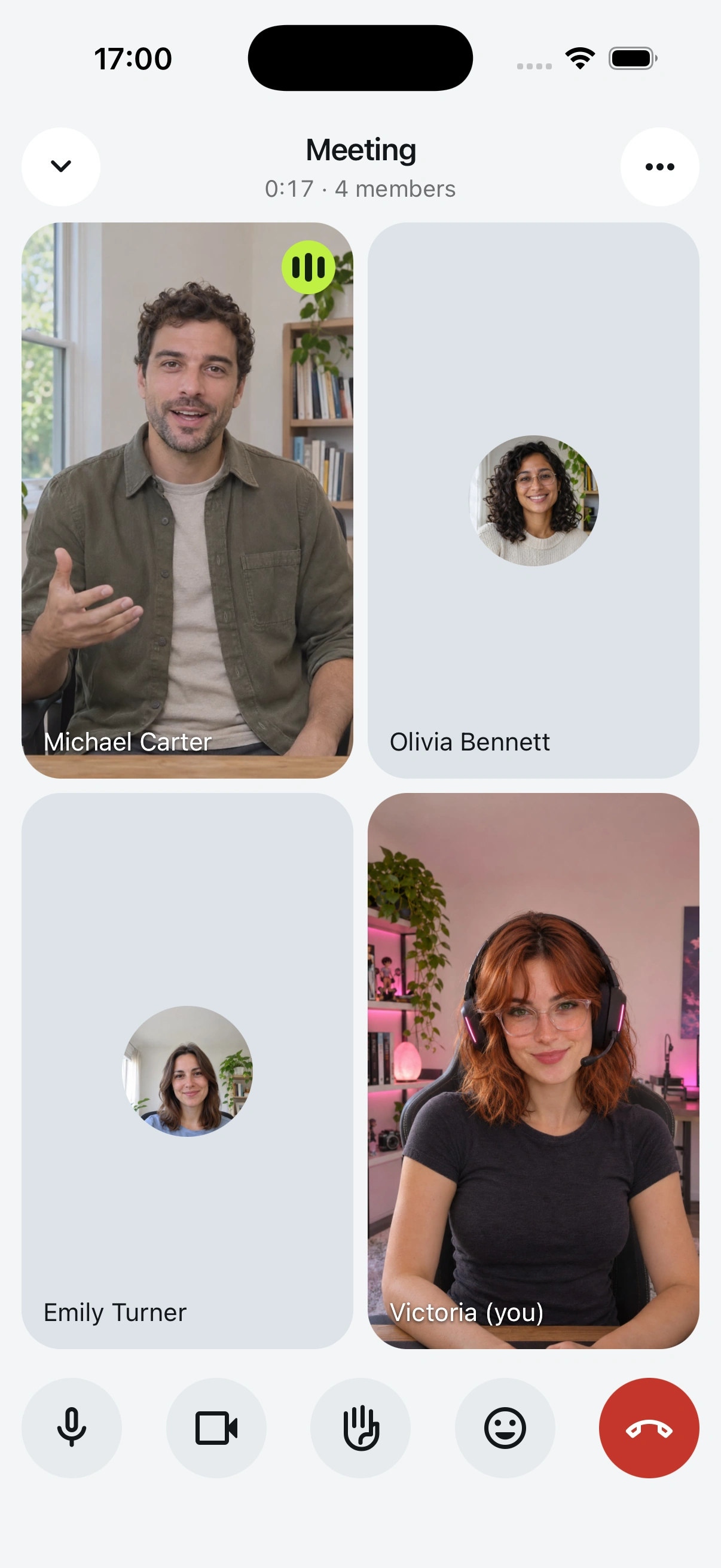
A couple of messages before the game, a personal call to a friend, or an evening call with the whole group. Choose what you need now and stay in touch after the match.
Use a private chat to choose a game, agree on a time and decide who to invite. You do not need to get everyone on a call just to make plans.
Open Contacts to start a one-to-one call. The other person can join from a computer or phone.
Create a meeting and share the link in your usual chat. Leave cameras off if you only want voice.
Make plans and catch up between rounds. Your room stays separate from any one game’s friends list.
Some are in their lobby, others are just selecting a game. Stay in the shared voice room, even if you're playing different games.
Bring your Dungeon Master and players together. Keep maps, dice rolls and character sheets in your preferred tabletop tool.
Call one person through contacts or create a meeting room for the group.
For the room, send a link. For a personal call, use a friend's contact in Planaro.
Select microphone and headphones. For a voice room, the camera can be turned off. When chatting in the browser, leave the tab open.
Guides for CS2, VALORANT, Dota 2, LoL, Minecraft, Valheim, Helldivers 2, Deep Rock Galactic, WoW, Stardew Valley and more. Includes mobile setups and when to keep using in-game voice.
Choose a game and see what Planaro adds to your group: persistent rooms, cross-device communication, and suitable co-watching scenarios.
Calling on your PC, using a separate phone, bringing launcher friends together or preparing for a raid: find the setup you need.
Try Planaro for the conversations your group needs. Do not rely on game overlays, positional audio, music bots or a full community-channel system as part of this setup.
Yes. Planaro supports direct calls between web and mobile app users. Participants choose a convenient device.
The messaging features described here are available in the mobile app. Friends on computers can join calls through the web version.
A direct call starts from contacts and rings one person. A room gives a group one link they can use to meet.
Use a Planaro account for contacts, chats and direct calls. Guests can join a shared room by link if its access settings allow it.
Yes, for voice or video communication. Use the game board, dice, and character sheets separately. The page for D&D has an example of how to prepare a session.
Start with one call and decide if Planaro is right for your friends.