One link brings everyone together
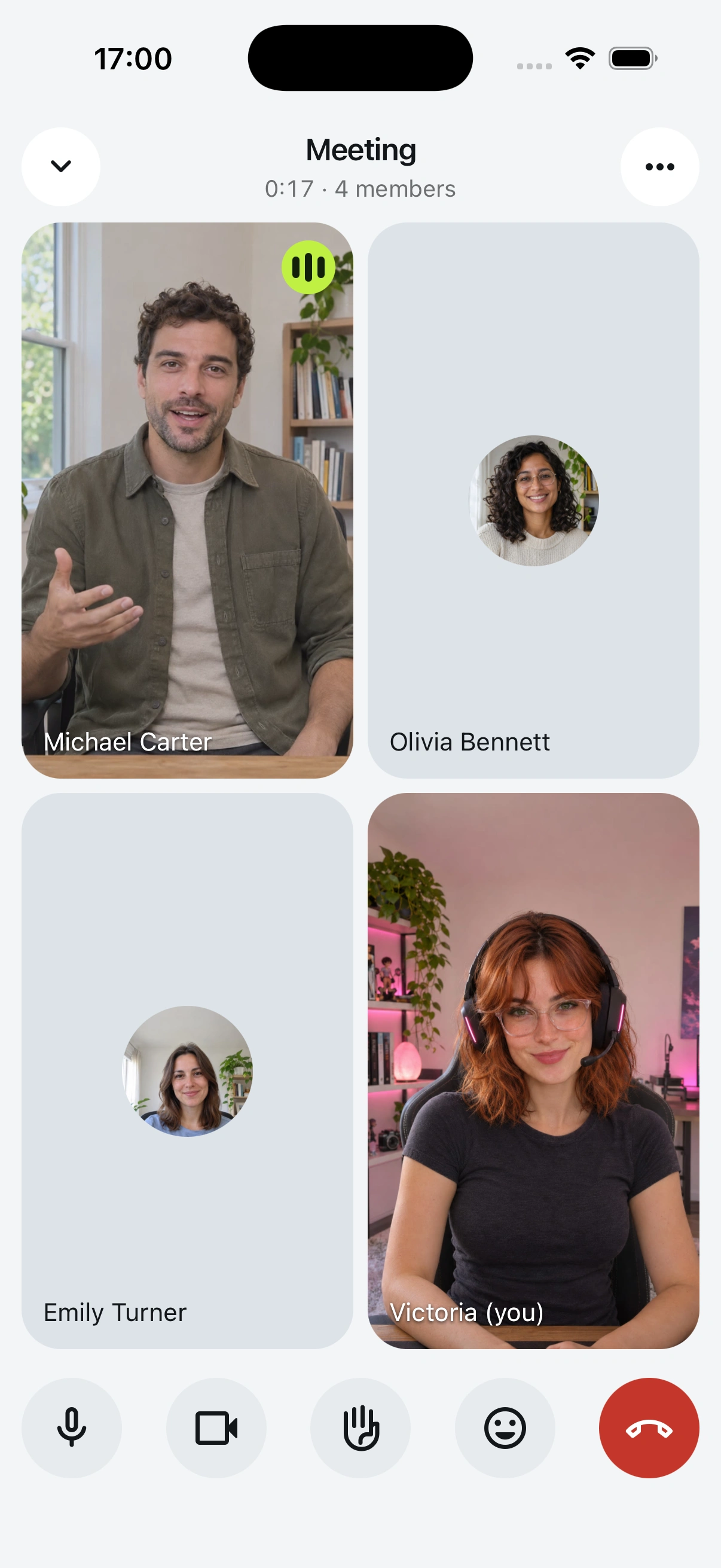
Share a link in your chat and get everyone together. Guests join without an account or an installation.
Share your screen in 1080p, send files in chat, raise your hand and use noise reduction. Meet with up to 100 video participants or host a webinar for up to 300 attendees.
Recording starts only when someone presses Record. Everyone in the meeting sees the recording indicator. Each recording can run for up to two hours.
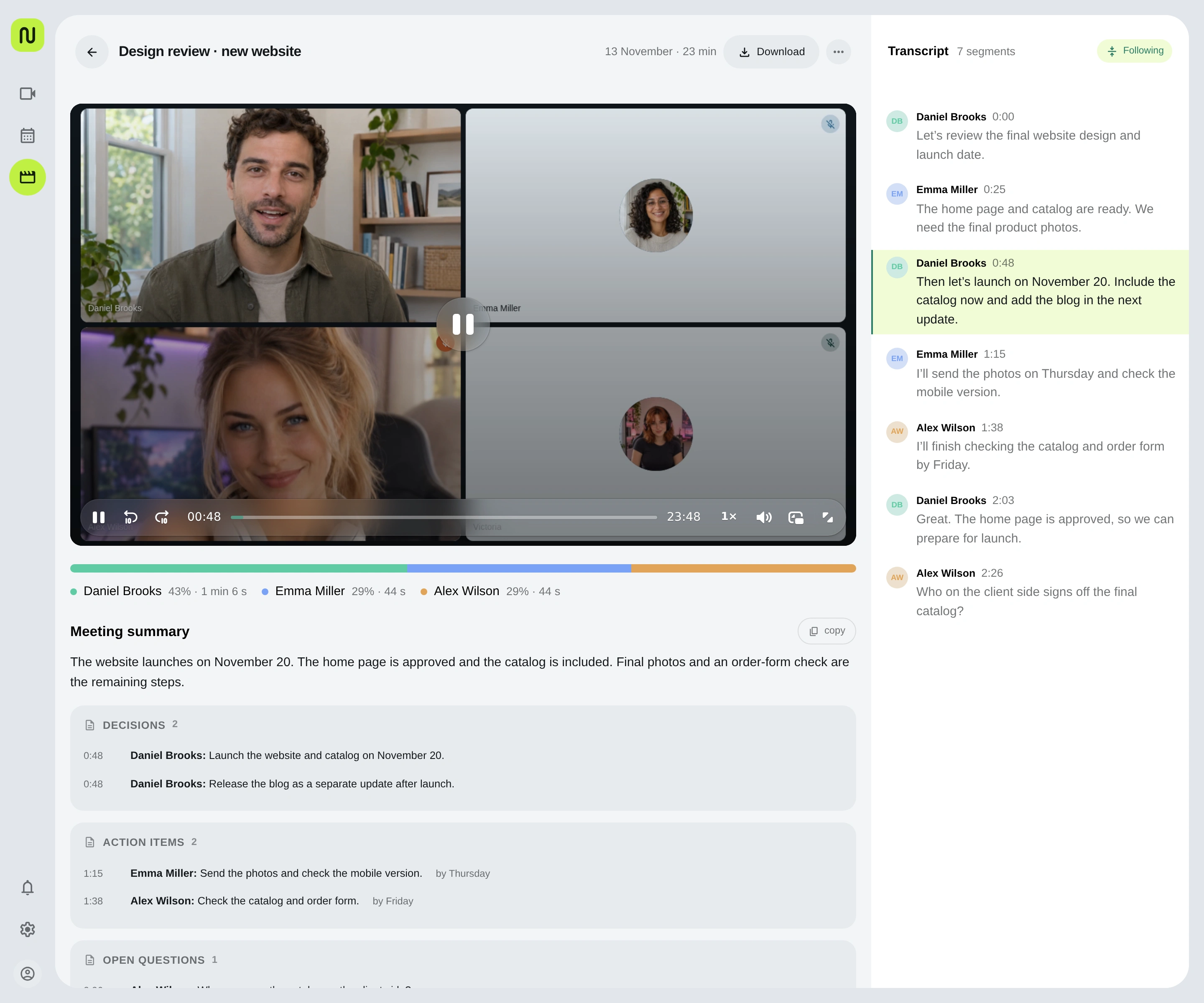
After the conversation, find a transcript with speaker labels and timestamps. Select a line to jump to that moment in the recording.
Decisions, action items with deadlines and open questions — three clear lists to help everyone catch up.
A 90-minute recording is a lot to catch up on. A timestamped transcript and a concise summary make it easier
Even for the people who couldn’t be there
Join a meeting by link in your browser. A participant chooses when to start recording. After processing, find a speaker-labelled transcript and a clear summary on one screen.
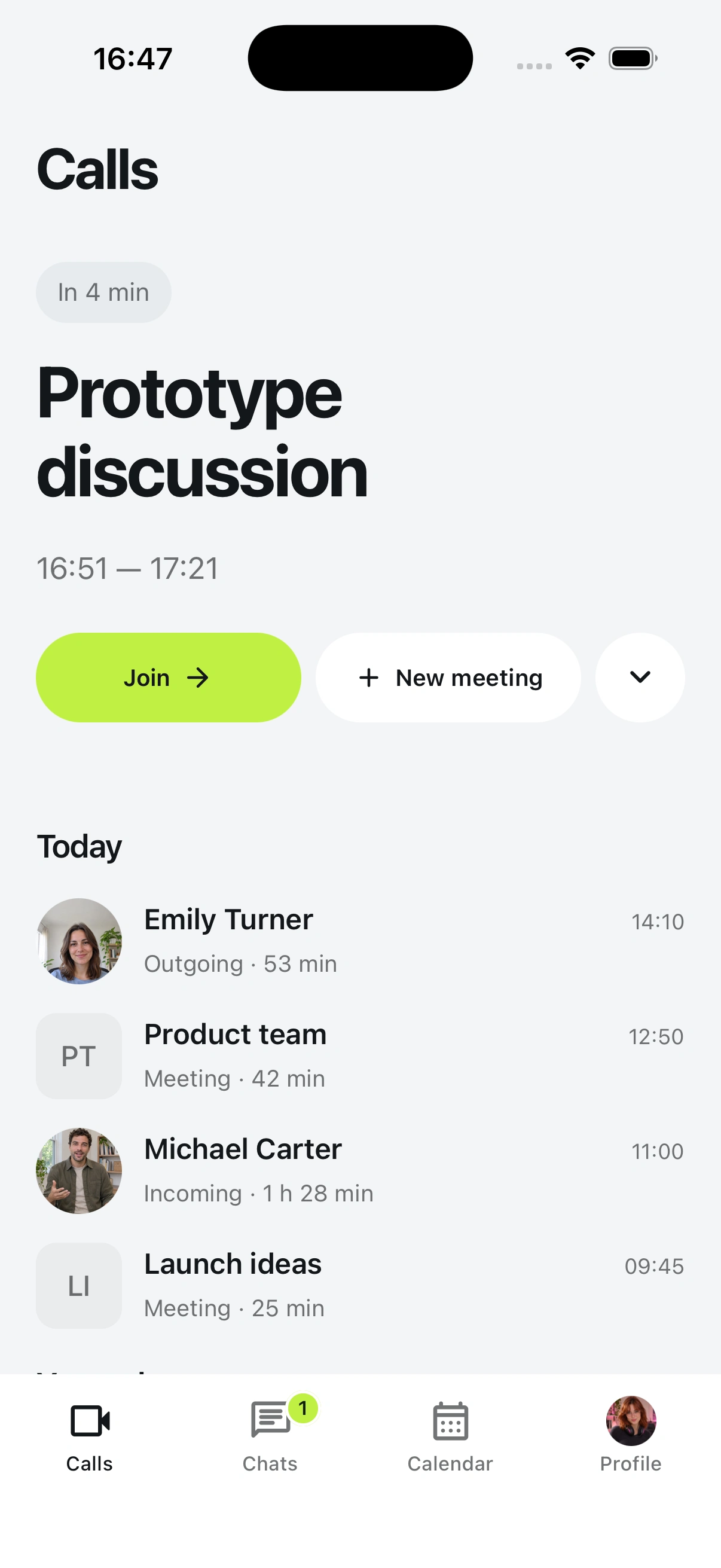
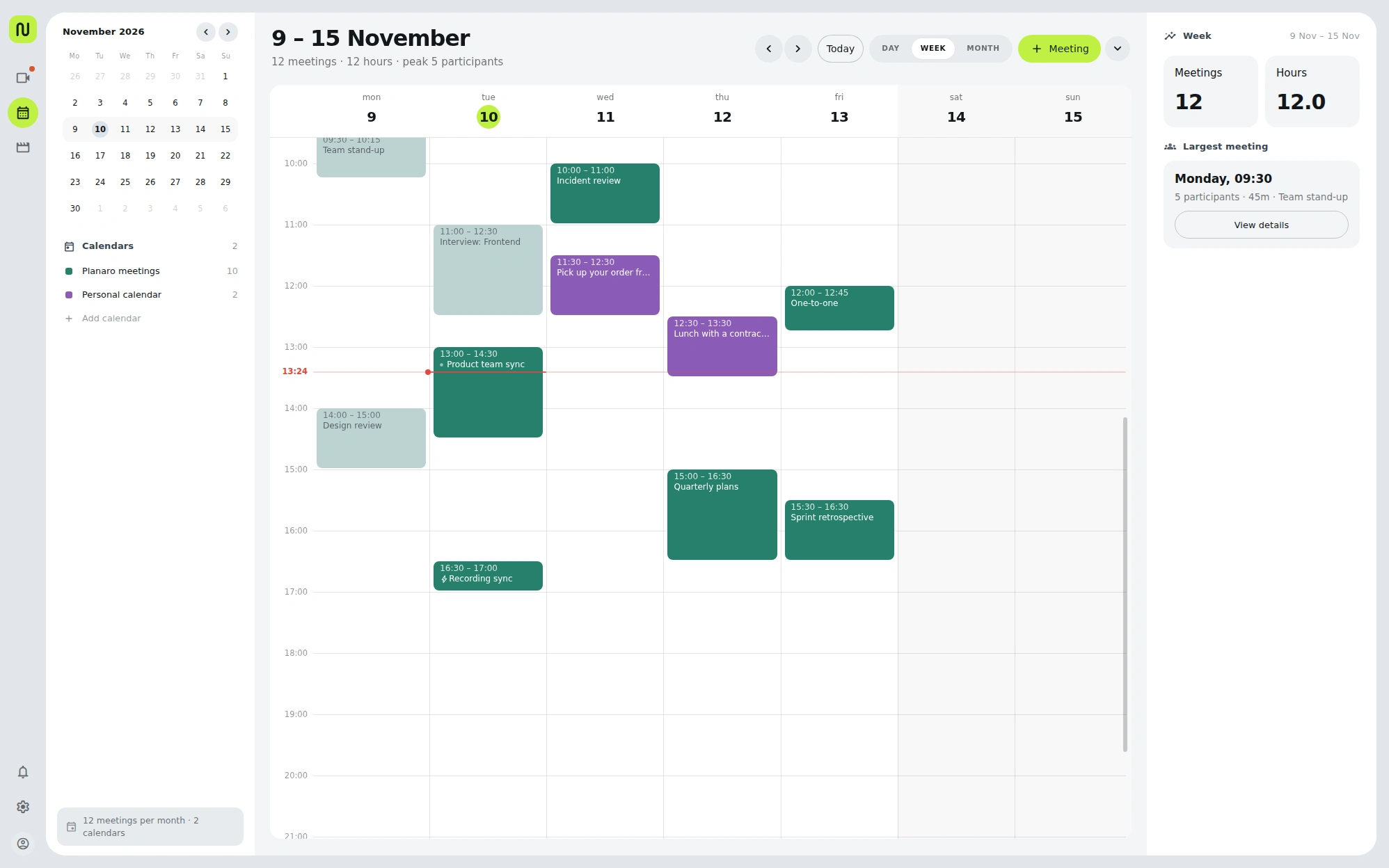
Your whole week in one view: calls and events from your work calendars. Pick a time to create a room and invitation link. Guests can join without an account.
Compare what you can do during the call, what you keep afterwards and how each plan is billed.
Message your friends, keep your contacts close and call them directly. Bring the whole group into a room from a phone or computer.
From a client meeting to game night with friends — find your way to connect.
No. Guests can open the meeting link in a browser, enter a name and grant camera or microphone permission as needed. Only the host needs an account. Guests can also join from a phone without installing the app.
Up to 100 participants can join with video. Webinar mode supports up to 300 attendees: speakers present, attendees use chat and the host can grant speaking permission individually.
Each recording can be up to two hours long. For a longer meeting, start another recording to save the next part. Files are stored on servers in Russia for 30 days on Free. Download important recordings before their retention period ends.
Accuracy depends on the microphone, background noise, overlapping speech and terminology. Check important names, numbers and decisions against the recording beside the transcript, especially when audio is unclear.
Unlimited meetings without a duration cap, a weekly calendar, file sharing in chat, screen sharing, recordings up to two hours long, speaker-labelled transcripts and summaries. Free recordings are kept for 30 days.
Recording is started by the organizer or a participant with host permissions. Everyone in the room sees an indicator while recording is active. If an invitation link is shared beyond its intended audience, create a new room with a different code and link.
Yes. We offer deployment of the media server, recording, transcription and admin panel in your infrastructure, with offline operation and corporate sign-in. We scope the configuration and integrations to your requirements and expected load.