Private chats
Message a friend, arrange a meeting or make plans. Choose text or a call — whatever works for the conversation.
Private chats, contacts and direct calls — all in Planaro on your phone. Your friends can join from a computer, too. You don’t need the same device to stay connected.
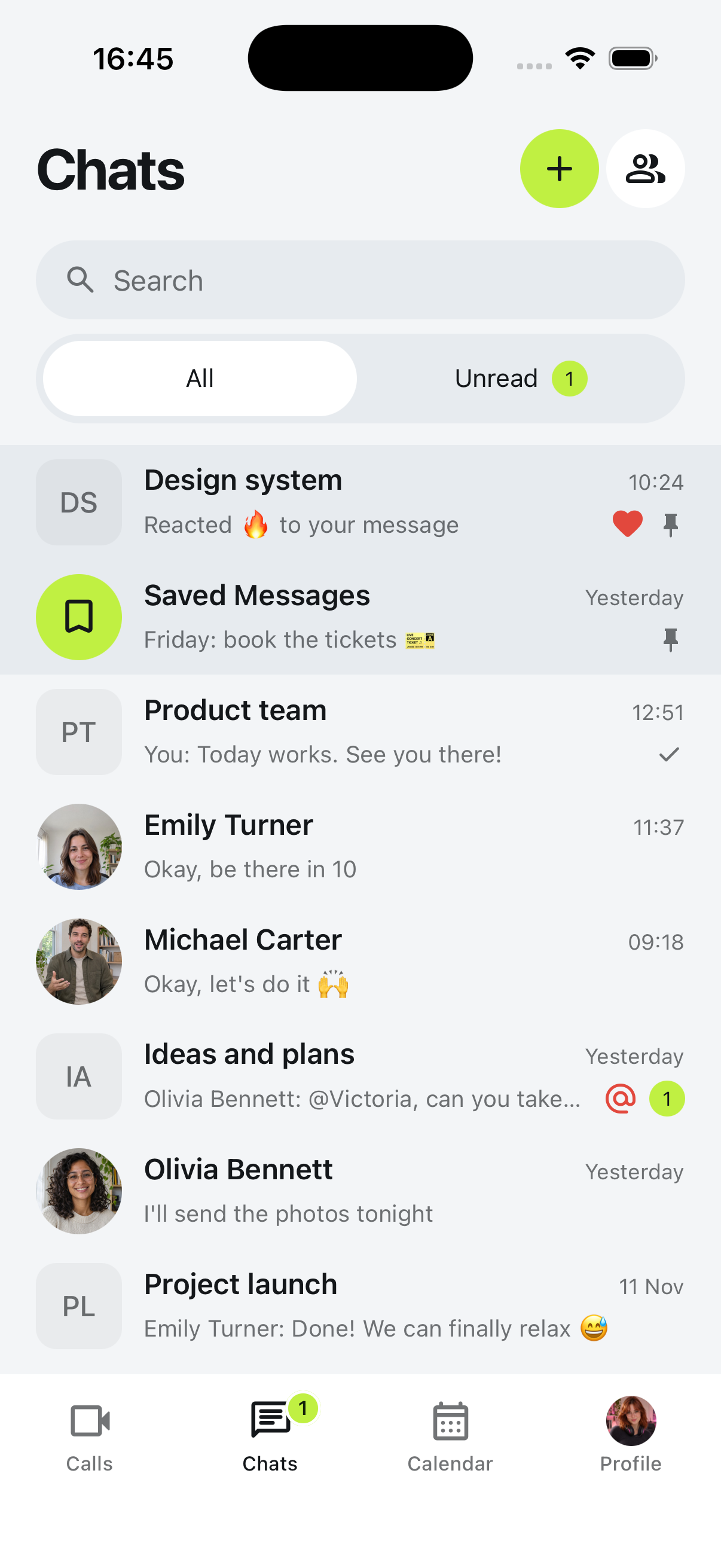
Sometimes a quick message is enough. Sometimes it’s easier to talk. Keep the conversation going with the people you already know, right in the app.
Message a friend, arrange a meeting or make plans. Choose text or a call — whatever works for the conversation.
Save your contacts in Planaro so they’re easy to find next time. Sign in to your account to start a personal conversation.
Choose a contact and call them directly. There’s no need to create a new group meeting for every conversation.
Start a direct call in Planaro. Your contact can answer in the browser or mobile app.
When it’s easier to talk, move from messages to a call. Your contacts make it simple to reconnect.
For a group conversation, create a meeting room and share its link. Use direct calls for personal conversations and meeting links to bring a group together.
Select Open Planaro. On your phone, it opens the installed app; on a computer, it opens the web version.
Use an account for private chats, contacts and direct calls. Guests can join group meetings with a link.
Choose someone to message or call. To bring more people together, create a meeting and share the link.
The private messaging features shown here are available in the mobile app. Your contacts can answer direct calls in the browser or app. Use a meeting link when you want to bring a group together.
Yes. Direct calls work between the web version and mobile app, so your contact can answer from a computer.
If Planaro is installed on your phone, the app opens. On a computer, you can use Planaro in your browser.
Yes. Private chats, contacts and direct calls are linked to your Planaro account. Guests can join group meetings by link.
Yes. Create a meeting room and share the link with everyone you want to invite.
Visit our friends and gaming page for direct calls, group voice chats and ways to get ready for game night.
Open Planaro and keep the conversation going your way.