Invite a guest
Send the link to someone outside your team. A participant can open the meeting in a browser and sign in as a guest without an account. The host controls access to the room.
Bring colleagues or clients together with a link. Share your screen and work through the details. If you record the meeting, revisit the conversation through video, a transcript and a summary after processing.
Send the link to someone outside your team. A participant can open the meeting in a browser and sign in as a guest without an account. The host controls access to the room.
Share a window or tab to walk through a design, document or task. Send links and short explanations in the meeting chat.
Agree on recording with participants, then save the conversation for later. After processing, find a speaker-labelled transcript and summary beside the video.
The Planaro Meet home screen shows upcoming meetings, room access and options to create or schedule a call.
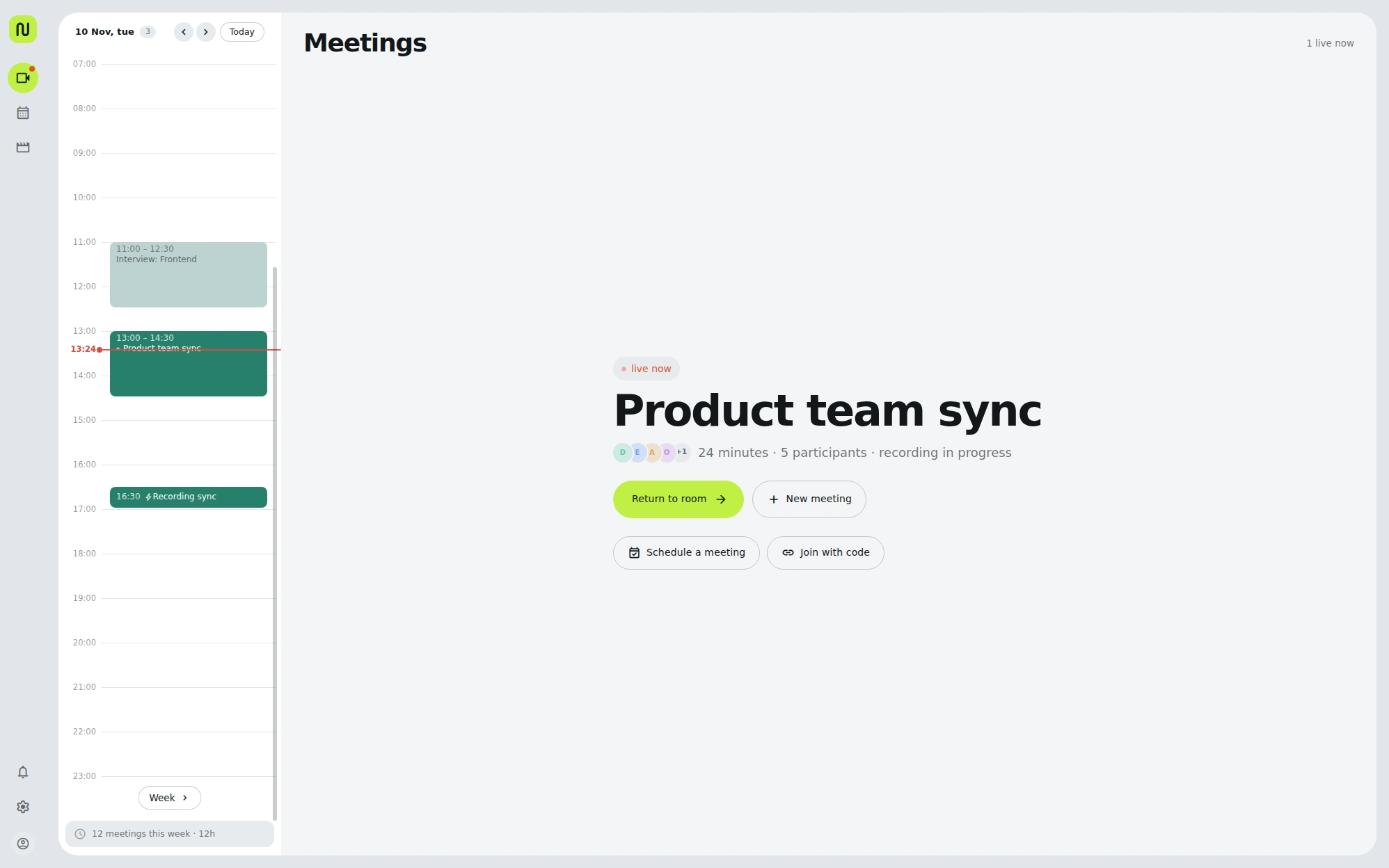
Open Meet and sign in to create a room or schedule a meeting. Use your account to access your meeting history and materials.
Guests enter a name, check their devices and grant microphone permission. If a lobby is enabled, the host admits them to the room.
Use voice, video, chat and screen sharing. Agree on recording before starting it, and finish by confirming decisions and next steps.
Use a room link for a group meeting, contacts to call a specific person and the mobile app for messaging. Choose the format that suits the conversation.
Guests can join via the link without creating an account. The host can restrict entry based on the access settings for a specific meeting.
The room opens in a browser. To work with sound and camera, allow your browser access to the required devices. Before an important conversation, check the connection.
No. Transcription requires a recording and processing. A call that was not recorded will not produce a transcript afterwards.
Yes. Current capabilities, restrictions and storage periods for materials are published on the plans page. Conditions should be checked before regular use.