Free video meetings for online teaching
Bring a class together, discuss a project in a seminar, or work through a difficult topic with one student. Planaro Meet gives you a place to talk and share materials, with a link that opens in a browser. Start on the free plan.
Meetings, screen sharing and chat. Recording: up to 2 hours, stored for 30 days.
Planaro editorial team · Updated 20 November 2026
A place for a live class
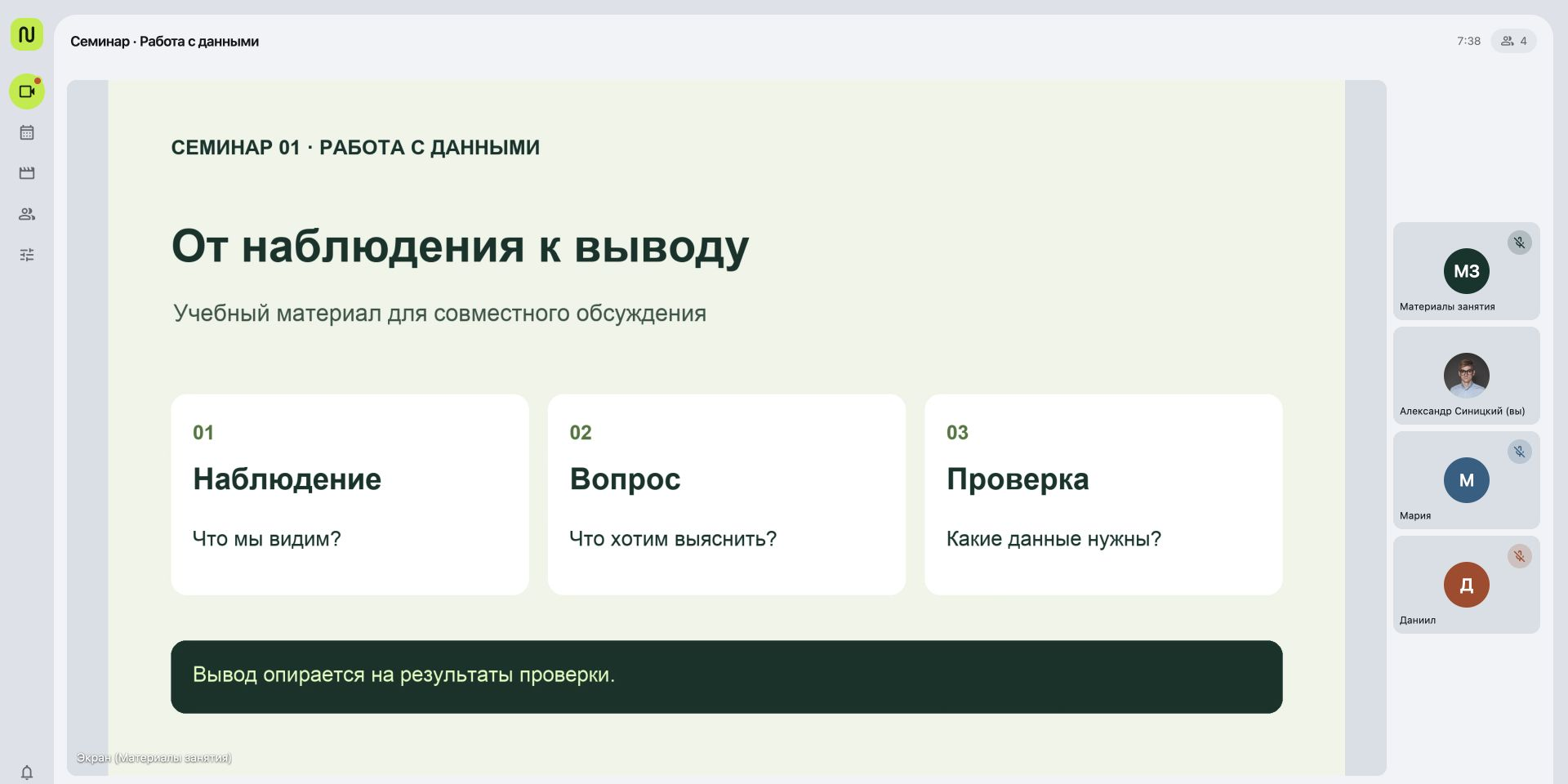
Your course already has a schedule, reading materials and assignments. A live session needs a place where students can hear the teacher, see the presentation and ask questions. In Meet, you can share a window, talk with audio or video, and use the meeting chat.
Students can join as guests without creating an account. If you use Moodle or another course portal, put the meeting link alongside the lesson materials.
Find your teaching setting
Find the right workflow
Choose a teaching subject
Practical teaching guides
Put the link where students already look
Create a meeting, copy its address, and add it to the course page, timetable or class message. Students can join from the place they already use for course information.
You can reuse a room for the same group when its access arrangements still fit. Create a separate meeting for a different cohort or a public event so an old invitation does not lead into another class.
Share from a computer, watch on a phone
Open a presentation, PDF, code editor or document on your computer and share the relevant window. Students can watch on their own devices. Viewing a desktop screen share in the Planaro mobile app has been tested.
Use large text and one clear window for people watching on a small screen. Send the original document separately for later reading. Screen sharing shows the document; collaborative editing depends on the tool in which you opened it.
Teaching across time zones
For classes across Russia, the CIS or other regions, include the date, local time and UTC offset in the invitation. “18:00 Moscow, UTC+3” is clearer than “six in the evening”. Ask students in another time zone to check their local start time before the first lesson.
Test access from the institution’s network in advance. Connectivity and network restrictions can vary; a meeting link alone cannot guarantee access from every network.
Keep an explanation for later
Agree on recording and who will receive it before you start. After the class, wait for processing, review the transcript and check any summary before sharing it. A transcript helps you find an explanation by its words.
Names, specialist terms, numbers and formulas need a human check. Keep the original slides alongside the recording.
Recording and transcript guide →Prepare for the first session
- Test the invitation and guest entry on another device.
- Use headphones and check the selected microphone.
- Open teaching materials in a separate window.
- Check the current plan against your class size and length.
- Agree on recording and how materials will be shared.
Choose a plan for your classes
Planaro has a free plan. Check the current participant, meeting-length, recording and storage terms before starting a course. For regular teaching, use the actual class size and session length when choosing a plan.
For an institutional deployment or contract, contact the Planaro team with your requirements.
Questions before you start
Does every student need an account?
No. Students can join a meeting as guests using its link. The organiser creates the meeting in their account.
Does this include assignments and grading?
These workflows use Meet for live communication. Keep course materials, assignments and grades in Moodle or your chosen learning platform.
Can I teach on a free plan?
Planaro has a free plan. Check the pricing page for its current limits and included features.
Bring your next lesson together
Test the connection with a colleague, prepare your materials and send the invitation to your class.