For teachers, tutors and study groups

Teach English Online with Planaro

Read a passage together, return to a useful phrase and try it in conversation. Planaro provides a shared screen, video call and chat for individual lessons and small language groups.

Keep your materials in the tools you already use. Explore Planaro Meet.

Start with the teaching task

Keep a useful expression in its original context

A learner understands the individual words but hesitates over the expression in a sentence. Keeping the paragraph visible lets you discuss its meaning before moving back into conversation.

Use the shared screen for the passage, the call for explanation and chat for a brief example or source link. In the sample below, two noun phrases can be compared without losing the sentence around them.

A short reading example

We have a little time for a few questions.
time
Uncountable in this use
questions
A plural countable noun
Discuss the contrast in context before asking the learner to produce another example.
A session in Planaro

A shared view of the work you are discussing

Open the material in your usual application on a computer and share the relevant window in Planaro Meet. Meeting chat keeps a source link, question or short note alongside the conversation.

A learner can join by link as a guest. To review their work, a participant on a computer can share their own window after the current share ends. Use the Planaro calendar to arrange a follow-up session.

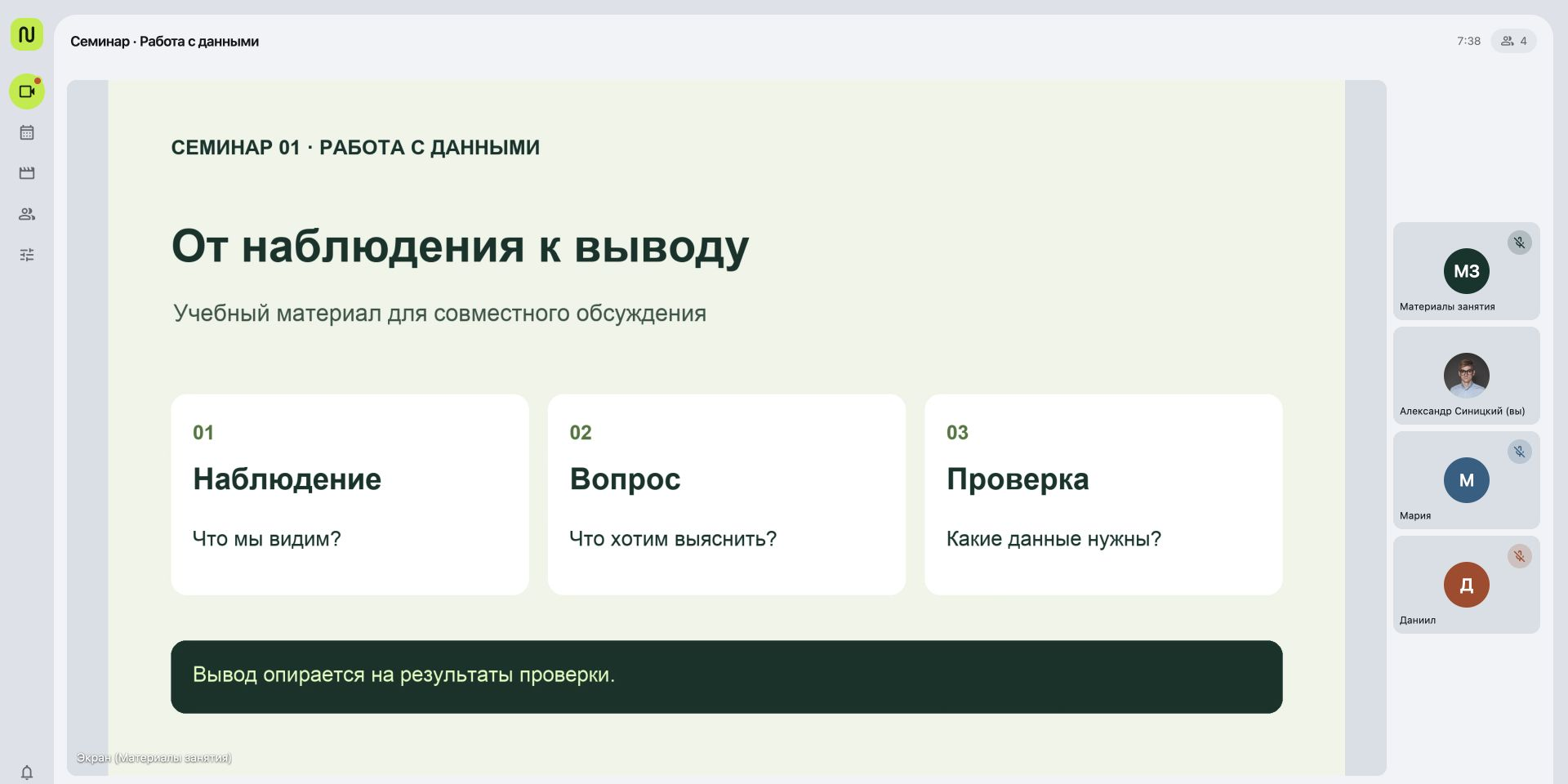
Planaro Meet showing shared teaching material beside the participants.
Teaching material shared in a Planaro Meet session. View full size ↗

Move from reading to independent speech

After the reading, leave a topic, image or a few useful prompts visible. The learner can develop the discussion in their own words while referring back to the original phrase.

Retain examples that actually arose in the conversation in a separate document. They make a focused basis for the next practice task.

Review writing at the right scale

For a letter or short essay, discuss the paragraph’s message before a particular tense, word order or link between sentences. Enlarge the passage rather than sharing a whole page of tiny annotations.

A learner can share their own editor from a computer. Shared editing permissions belong to that document, separately from the meeting link.

Check audio with the learner’s actual device

Test that both sides can hear clearly in the setting where the lesson will take place. Use meeting audio on just one nearby device to avoid duplicate playback.

If you use separate listening audio, check how it will be opened or played and provide the source link. Audio-sharing options depend on the selected device and sharing mode.

Keep the follow-up task specific

Leave the original text, a few reviewed expressions and a task that uses them. When teaching an exam course, use the current criteria for that actual examination.

A recording can help revisit an agreed explanation. Review the result and any multilingual transcript before using it for pronunciation or grammar feedback.

Before the first session

Can I run a conversation club?

Participants can discuss a common topic through voice and video, with shared material and chat in the same meeting.

Can I use my own textbooks?

Yes. Share the source document or presentation and arrange access to its original file separately.

Does a learner need an account?

A participant can join an invited meeting as a guest. The organiser creates the meeting from their account.

Bring the next question into a shared view

Start with one task or question. Open the source material, create a meeting and send the invitation to your learners.