For teachers, tutors and study groups

Teach German Online with Planaro

Compare sentence patterns, keep the original example in view and move into conversation. Planaro gives your German lesson a shared screen, video call and place for short written notes.

Keep your materials in the tools you already use. Explore Planaro Meet.

Start with the teaching task

Keep the whole sentence available while discussing word order

A learner may recognise each word yet struggle to build a complete sentence. Share the original example, highlight the relevant parts in your editor and discuss the change while both versions remain visible.

Vocabulary notes can preserve the noun, its article and a useful context. Students can then try the expression in a new response rather than recalling an isolated translation.

A vocabulary note with context

der Tisch
Keep the article with the noun
die Frage
Add a use from the lesson text
das Buch
Connect the note to the topic
Choose examples that fit the learner’s level and the text you are discussing.
A session in Planaro

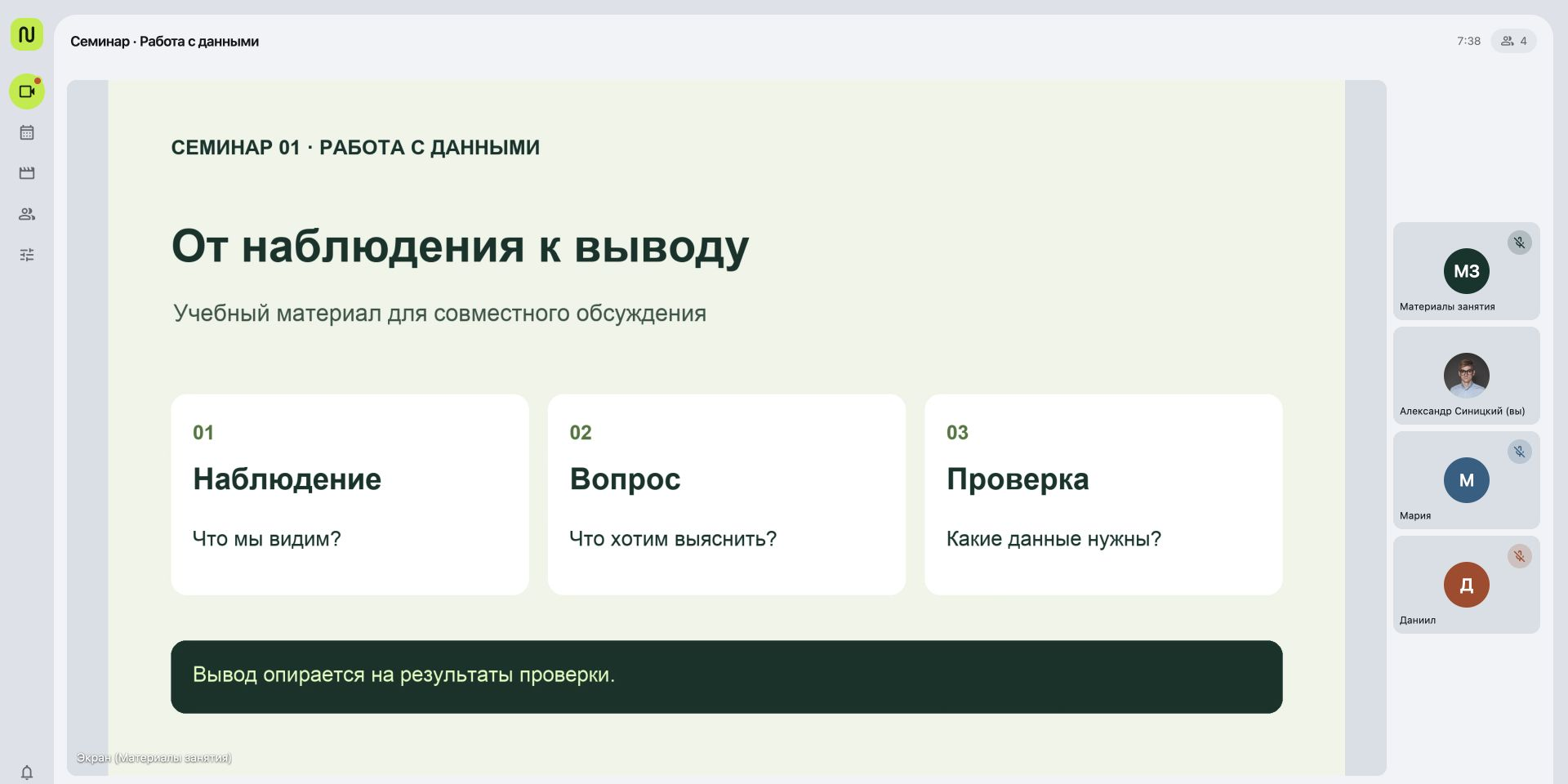
A shared view of the work you are discussing

Open the material in your usual application on a computer and share the relevant window in Planaro Meet. Meeting chat keeps a source link, question or short note alongside the conversation.

A learner can join by link as a guest. To review their work, a participant on a computer can share their own window after the current share ends. Use the Planaro calendar to arrange a follow-up session.

Planaro Meet showing shared teaching material beside the participants.
Teaching material shared in a Planaro Meet session. View full size ↗

Compare constructions side by side

Place the original and transformed sentences in one document. Focus on one change, such as verb position, a question form or the relationship between clauses. Students can follow the explanation without losing the starting point.

For a fresh attempt, leave a few prompts on screen. The learner supplies the sentence and can return to the original example when checking a choice.

Move between reading and conversation

Share a short text and select a question worth discussing. Read the passage, clarify an expression and continue the conversation within the same Meet session.

Use chat for a brief correction or link. Keep longer examples and grammar tables in the shared document, where their formatting remains readable.

Review the learner’s own writing

Start with the message the learner intended to convey, then examine a particular passage. Comparing the original and revised wording makes the reason for a change easier to discuss.

A learner on a computer can share their editor. Collaborative access belongs to that document’s settings; Planaro provides the conversation and screen-sharing view.

Leave useful practice for the next lesson

Keep a few examples from the conversation and a task that uses them again. Schedule the next meeting with a clear time zone if you teach across locations.

On phones, show one passage at a readable size. Record by agreement and review the result before sharing it. Check word forms and any multilingual transcript against the original discussion.

Before the first session

Can I use it for German conversation practice?

Yes. Talk through a shared text or discussion topic, with video and meeting chat for short notes and links.

Does Planaro score pronunciation?

The teacher gives feedback on pronunciation and language use. This workflow uses live conversation and shared lesson materials.

Does a learner need an account?

A participant can join an invited meeting as a guest. The organiser creates the meeting from their account.

Bring the next question into a shared view

Start with one task or question. Open the source material, create a meeting and send the invitation to your learners.