For teachers, tutors and study groups

Teach French Online with Planaro

Keep accents, endings and the surrounding passage visible. Planaro lets you read together, compare written answers and carry the topic into conversation.

Keep your materials in the tools you already use. Explore Planaro Meet.

Start with the teaching task

Give spoken discussion a precise written reference

A question during reading may concern an unfamiliar word; a writing review may focus on its form or accent. Sharing the exact passage gives both teacher and learner a clear place to return to.

Prepare a readable extract in your document editor, share it in Meet and compare the alternatives. Keep longer explanations in the document, with chat available for a short example or source link.

Readable notation in the lesson material

é · è · ê

Make accent marks easy to distinguish

un livre · des livres

Keep the form in context
Sample fragments for checking how clearly your source material appears on screen.
A session in Planaro

A shared view of the work you are discussing

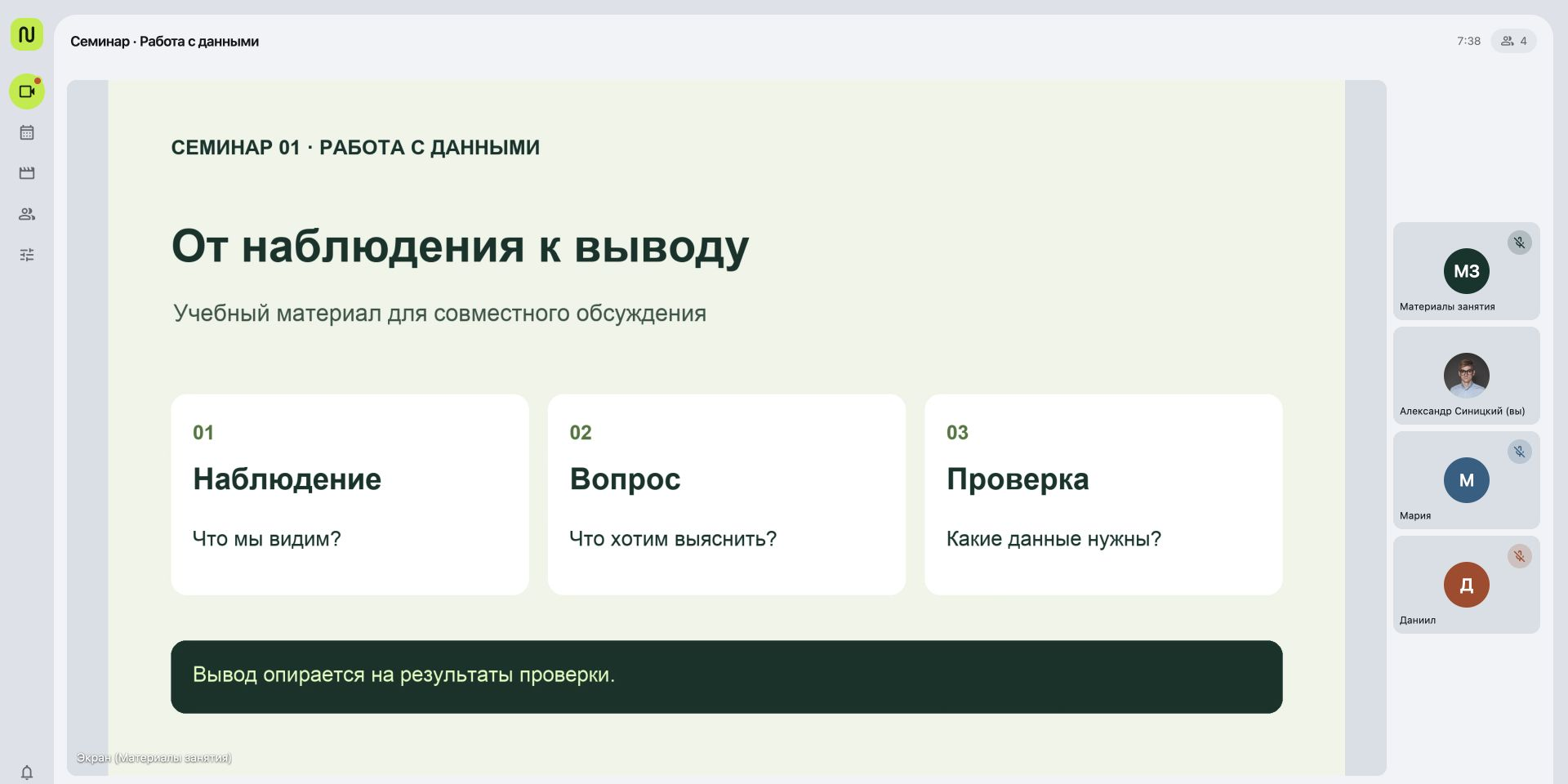
Open the material in your usual application on a computer and share the relevant window in Planaro Meet. Meeting chat keeps a source link, question or short note alongside the conversation.

A learner can join by link as a guest. To review their work, a participant on a computer can share their own window after the current share ends. Use the Planaro calendar to arrange a follow-up session.

Planaro Meet showing shared teaching material beside the participants.
Teaching material shared in a Planaro Meet session. View full size ↗

Read with the original notation intact

Enlarge a short passage while retaining its accents, endings and punctuation. If you extract a sentence from a longer reading, preserve the context needed to discuss its meaning.

Change the zoom in the source editor. For a learner on a phone, one current passage is usually easier to follow than a whole worksheet reduced to fit the screen.

Turn a reading into conversation

After reading, leave a question or image on screen and invite the learner to develop the topic. You can return to a useful expression and discuss how it works in the new response.

In a group, participants can contribute in turn while everyone refers to the same material. Meeting chat holds short clarifications and links.

Compare versions of a written response

Show the original answer and a revision together. Discuss the intended meaning before looking at the particular word form or sentence structure.

A learner sharing from a computer can make the changes in their own editor. Any collaborative editing permissions are managed by that document’s service.

Keep a useful practice record

Share the passage with the forms you discussed and a small follow-up task. For listening practice, provide the source audio separately and agree how the learner will open it.

You can record the Planaro session by agreement. Review the finished recording before sharing it, and check French spelling and mixed-language passages in any automatic transcript.

Before the first session

Can I review a letter or essay?

Yes. Share the document, compare versions on screen and discuss the wording through the call.

How do I give the learner the original passage?

Send its link in meeting chat or use your usual course storage. Access to the source file is controlled where it is stored.

Does a learner need an account?

A participant can join an invited meeting as a guest. The organiser creates the meeting from their account.

Bring the next question into a shared view

Start with one task or question. Open the source material, create a meeting and send the invitation to your learners.