For teachers, tutors and study groups

Teach University Physics Online with Planaro

Keep the assumptions beside the derivation. Use Planaro for university physics tutorials and discussions of prepared measurement results.

Keep your materials in the tools you already use. Explore Planaro Meet.

Start with the teaching task

A formula comes with a model and its conditions

The calculation is complete, but the assumptions behind it are missing from the explanation. A university tutorial can examine those conditions alongside the derivation and discuss how they affect the result.

Share a document, external whiteboard or prepared model in Meet. Students can explain their approach, compare representations and ask about a particular transition.

Connecting a model to a result

Ek = mv² / 2

The classical model for translational kinetic energy

At fixed mass, doubling the speed in this model multiplies the kinetic energy by 4.
Keep the conditions of the chosen model with the notation and conclusion.
A session in Planaro

A shared view of the work you are discussing

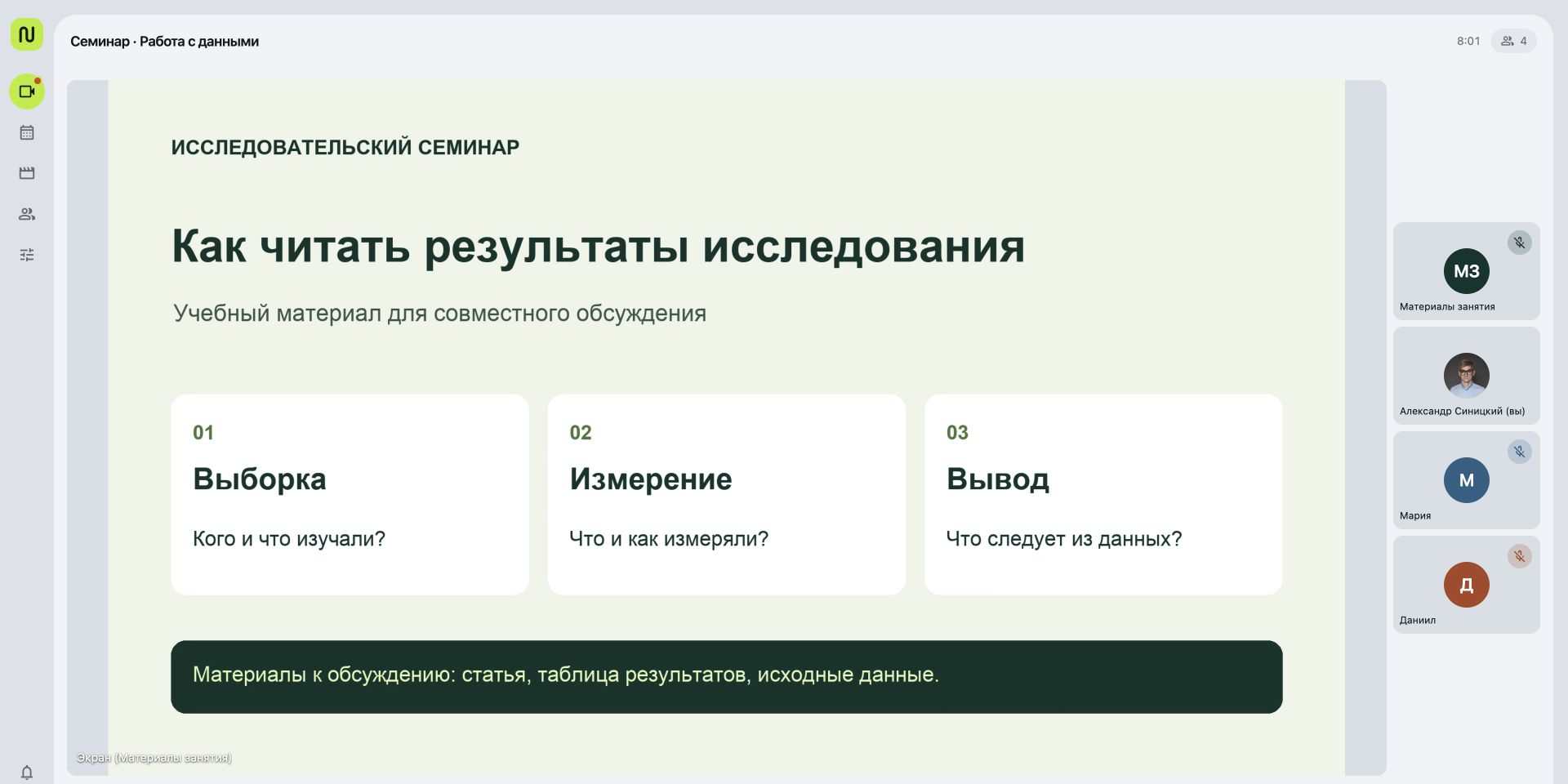
Open the material in your usual application on a computer and share the relevant window in Planaro Meet. Meeting chat keeps a source link, question or short note alongside the conversation.

A learner can join by link as a guest. To review their work, a participant on a computer can share their own window after the current share ends. Use the Planaro calendar to arrange a follow-up session.

Planaro Meet showing shared teaching material beside the participants.
Teaching material shared in a Planaro Meet session. View full size ↗

Share the derivation with its assumptions

Retain the starting relations and assumptions on the same screen. Discuss the condition or definition used at each step.

Prepare a diagram beside the equations when useful. Keep the labels and directions needed to interpret the notation.

Compare a calculation with observations

Show a table with units, conditions and original measurements. Discuss how the result was obtained and the limits of the comparison with the model.

For computational work, share both inputs and output, retaining the original file so the calculation can be reproduced.

Review a laboratory report

A student can share the current report and move from the setup diagram to the data and conclusion. Link a comment to a particular table or part of the working.

Your course determines the practical procedure and report requirements. The meeting supports discussion of prepared material and the next step.

Continue after the tutorial

Keep the model, conditions and unresolved question together. Prepare the same source data version for a follow-up discussion.

Record by agreement. Retain equations, values and units in the source document as well, and review the transcript before sharing it.

Before the first session

How is this different from the school physics page?

This workflow focuses on model assumptions, derivations and university laboratory-report discussions.

Can I share a computational model?

Yes. Open it in an external application or browser and share its available window in Meet.

Does a learner need an account?

A participant can join an invited meeting as a guest. The organiser creates the meeting from their account.

Bring the next question into a shared view

Start with one task or question. Open the source material, create a meeting and send the invitation to your learners.