For teachers, tutors and study groups

Teach Calculus Online with Planaro

Keep the statement, working and assumptions together. Use Planaro to discuss calculus, share handwritten reasoning and return to the step that needs justification.

Keep your materials in the tools you already use. Explore Planaro Meet.

Start with the teaching task

Keep the conditions visible when simplifying an expression

A limit may be correct even though the working has lost a restriction on the variable. Sharing the original expression beside the simplified form lets you discuss what each step actually establishes.

Open a document or external whiteboard and share it in Meet. Students can follow the sequence, ask questions aloud and explain their own proof. The mathematical notation stays in your chosen editor.

An example about the domain

(x² − 1)/(x − 1)

For x ≠ 1, this equals x + 1

x → 1

The limit is 2; the original expression is undefined at x = 1
Keep the restriction beside the algebra and the limit statement.
A session in Planaro

A shared view of the work you are discussing

Open the material in your usual application on a computer and share the relevant window in Planaro Meet. Meeting chat keeps a source link, question or short note alongside the conversation.

A learner can join by link as a guest. To review their work, a participant on a computer can share their own window after the current share ends. Use the Planaro calendar to arrange a follow-up session.

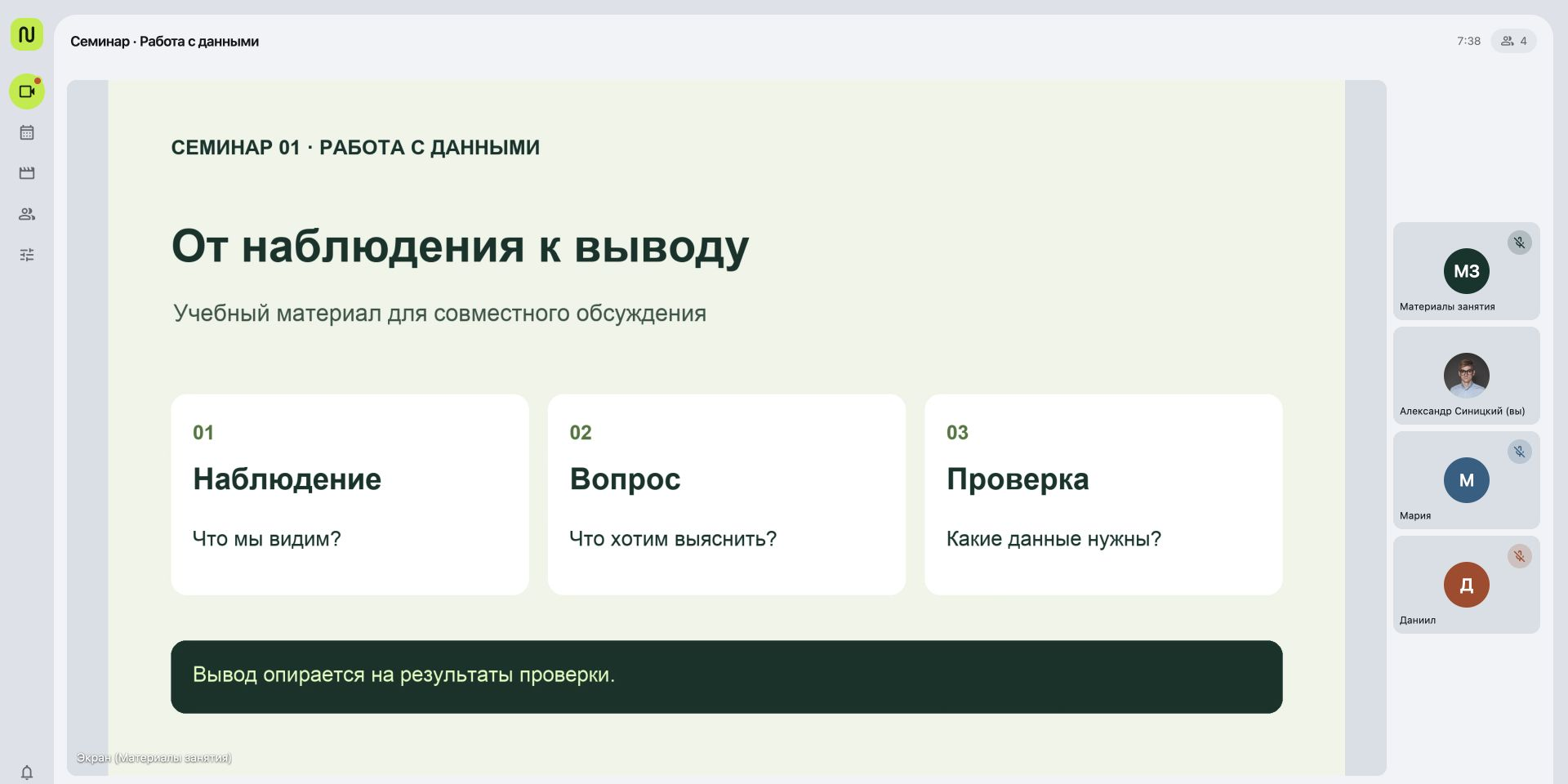
Planaro Meet showing shared teaching material beside the participants.
Teaching material shared in a Planaro Meet session. View full size ↗

Follow the chain of justification

Share the statement and several neighbouring lines of working. When a transition needs explanation, return to the relevant assumption or definition without losing the argument.

For a proof, identify the goal and starting conditions in advance. Notes showing where an assumption is used make a focused tutorial easier to follow.

Connect notation to a graph

If you use an external graphing tool, share its window with readable axes. Prepare comparable views or parameter settings in the source material.

The graph supports the explanation while the exact conditions remain in the written argument. Keep the original file available for later exploration.

Review the student’s reasoning

A student on a computer can share their document or whiteboard. For paper working, prepare a readable image or check that the camera view shows the relevant lines.

In a seminar, compare two proofs of the same statement. The shared statement gives everyone a stable reference for discussing the difference.

Keep a useful tutorial record

Retain the statement, the transition discussed and a follow-up question. Schedule another review in the Planaro calendar when useful.

Record by agreement, but also keep the original mathematical document. An automatic speech transcript is not a precise record of displayed notation.

Before the first session

Can I share a LaTeX document?

Yes. Open the document or its preview and share the window in Meet. Typesetting and editing happen in your own editor.

Can I use it for proof tutorials?

Yes. Share the written sequence and discuss the justification for each transition through the call.

Does a learner need an account?

A participant can join an invited meeting as a guest. The organiser creates the meeting from their account.

Bring the next question into a shared view

Start with one task or question. Open the source material, create a meeting and send the invitation to your learners.