For teachers, tutors and study groups

Teach Logistics Online with Planaro

Keep the route beside its timing and constraints. Use Planaro to compare classroom alternatives and discuss the evidence behind a choice.

Keep your materials in the tools you already use. Explore Planaro Meet.

Start with the teaching task

A convenient metric does not settle whether a route is feasible

A case solution favours one route, but a check reveals that it fails a constraint. Sharing the criteria beside the alternatives makes that issue visible.

Open the prepared material in Meet. Participants can explain a choice, clarify a measure and compare proposals on the same basis.

References for comparing routes

CriterionClarify
DeadlineWhen is the result required?
CapacityWhich limit is specified?
ConditionsWhich stages and assumptions are included?
The instructor supplies the actual route parameters in the teaching case.
A session in Planaro

A shared view of the work you are discussing

Open the material in your usual application on a computer and share the relevant window in Planaro Meet. Meeting chat keeps a source link, question or short note alongside the conversation.

A learner can join by link as a guest. To review their work, a participant on a computer can share their own window after the current share ends. Use the Planaro calendar to arrange a follow-up session.

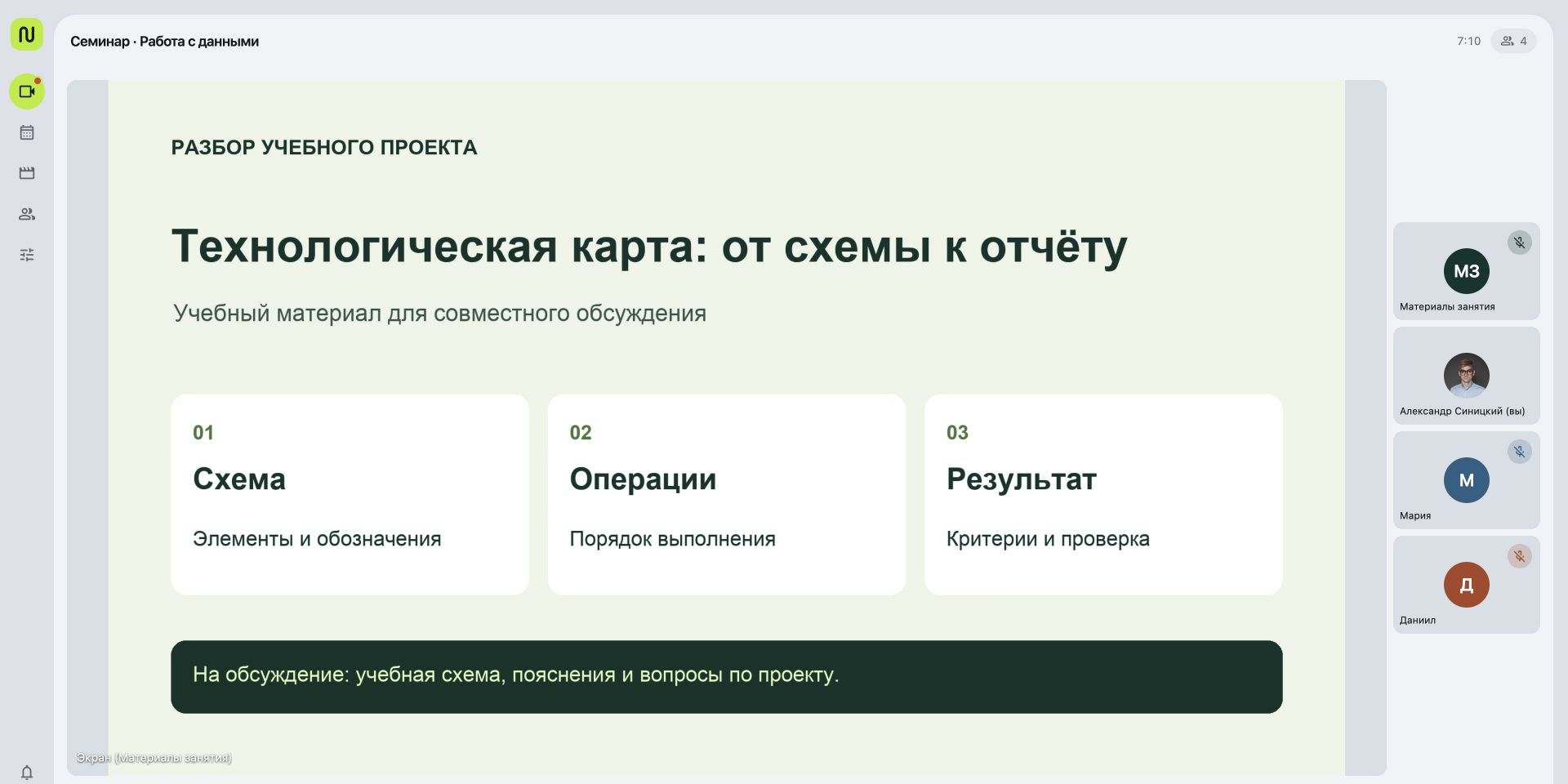
Planaro Meet showing shared teaching material beside the participants.
Teaching material shared in a Planaro Meet session. View full size ↗

Keep the map with its inputs

Share a labelled route diagram. Retain units, periods and assumptions in the accompanying table.

If you use an external mapping or planning tool, share its window and provide the source material separately when needed.

Compare feasible alternatives

Check the case constraints before discussing the preferred metric. Students can then explain why an option is unsuitable.

Teams can present their tables in turn, with the same problem statement guiding the discussion.

Review the calculation sequence

Show the input rows and final formula. A student can share their own table and explain which stages are included.

Calculations happen in the selected editor. Meeting chat holds file links and short clarifications.

Retain conditions for the next case

Keep the model, constraints and reviewed solutions. A follow-up task can change one condition and compare the outcome.

Record by agreement and retain tables, diagrams and units in the course materials as well.

Before the first session

Can I share a route map?

Yes. Open a prepared diagram or external tool and share its window in Meet.

Can teams discuss a case?

Yes. Present alternatives in turn and compare them against common conditions in the meeting.

Does a learner need an account?

A participant can join an invited meeting as a guest. The organiser creates the meeting from their account.

Bring the next question into a shared view

Start with one task or question. Open the source material, create a meeting and send the invitation to your learners.