For teachers, tutors and study groups

Teach Economics Online with Planaro

Put the assumptions beside the result. Use Planaro to review economic problems, compare charts and discuss a student’s interpretation.

Keep your materials in the tools you already use. Explore Planaro Meet.

Start with the teaching task

A calculation needs clearly defined quantities

The answer contains a number, but the explanation mixes a time period, a unit price and an aggregate measure. Share the starting definitions and units so the discussion can return to them.

Prepare a teaching table or chart in Meet. Students can identify the quantities used and explain how a different assumption changes the reasoning.

An illustrative revenue calculation

Single unit price20 notional units
Quantity10 items
Revenue200 notional units
A simplified classroom model using one price for the whole quantity.
A session in Planaro

A shared view of the work you are discussing

Open the material in your usual application on a computer and share the relevant window in Planaro Meet. Meeting chat keeps a source link, question or short note alongside the conversation.

A learner can join by link as a guest. To review their work, a participant on a computer can share their own window after the current share ends. Use the Planaro calendar to arrange a follow-up session.

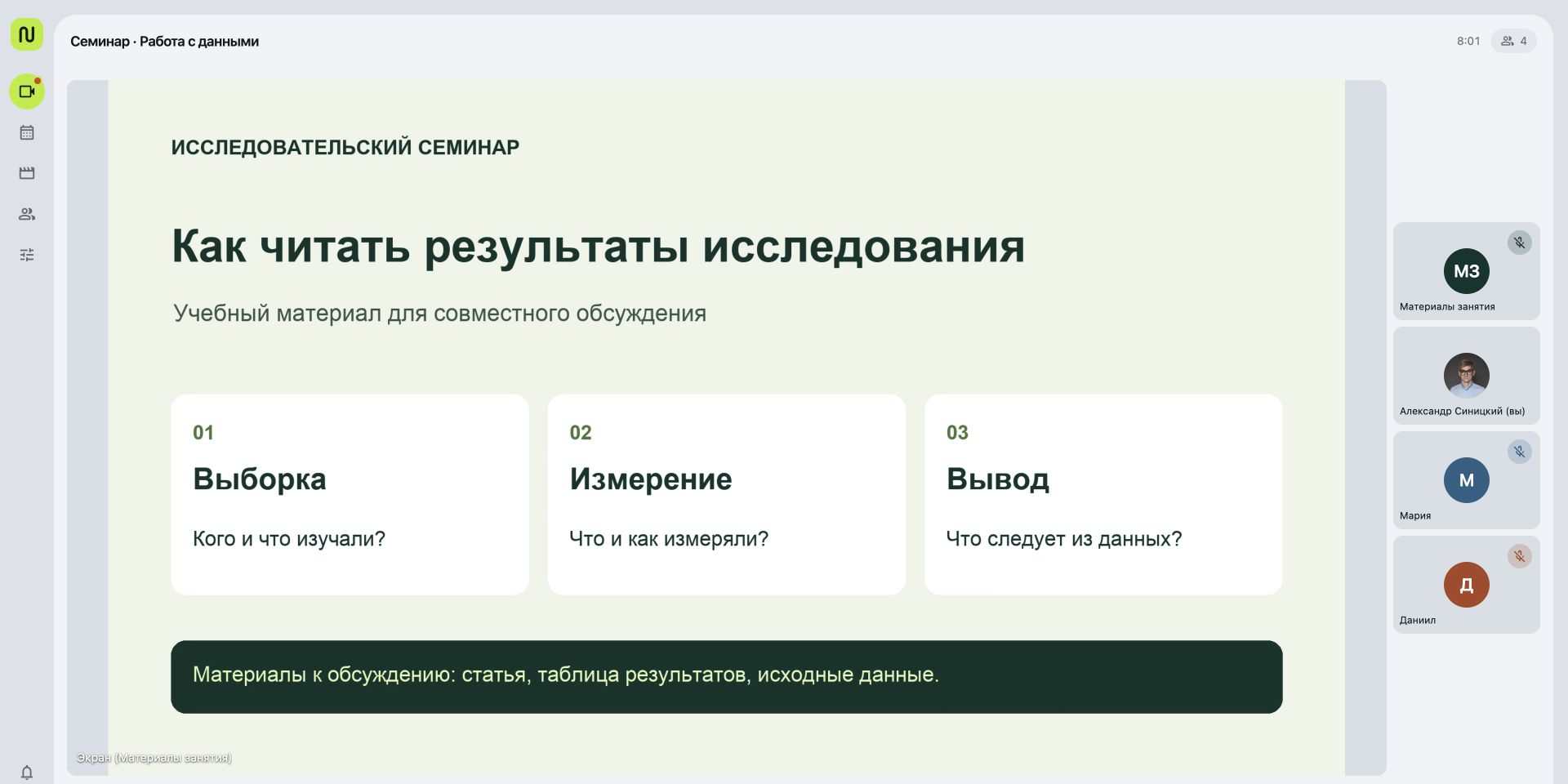
Planaro Meet showing shared teaching material beside the participants.
Teaching material shared in a Planaro Meet session. View full size ↗

Define quantities before comparing cases

Keep the period, units and assumptions visible. Identify which parameters change between two cases and which remain fixed.

Retain short notes beside the table, with meeting chat available for the source-data link.

Discuss charts with their axes intact

Show labels, axes and the starting state. Prepare a clear comparison when changing a model parameter.

The chart runs in your external tool; Meet shares its window. Provide the source file for students who need to repeat the example.

Review a classroom case

Share the case and student argument together. Discuss the evidence behind the conclusion and the limitations of the chosen model.

A seminar can compare alternatives using the same criteria and clearly referenced information.

Retain the assumptions and working

Keep the input data, formulas and assumptions after the meeting. Identify what the next task should change or check.

Record by agreement, reviewing numbers and economic terms in any transcript and retaining the original table.

Before the first session

Can I share a spreadsheet?

Yes. Open the teaching file and share its window. Calculations happen in your spreadsheet application.

Can I run a case seminar?

Yes. Share a common brief, discuss arguments through the call and keep source links in chat.

Does a learner need an account?

A participant can join an invited meeting as a guest. The organiser creates the meeting from their account.

Bring the next question into a shared view

Start with one task or question. Open the source material, create a meeting and send the invitation to your learners.