For teachers, tutors and study groups

Teach Management Online with Planaro

Give a case discussion a common brief and clear criteria. Use Planaro to review alternatives, hear team arguments and discuss presentations.

Keep your materials in the tools you already use. Explore Planaro Meet.

Start with the teaching task

Compare alternatives against the same conditions

A class has several proposals, but one is judged by time, another by cost and another by team convenience. Keeping the criteria and case constraints visible gives the comparison a consistent basis.

Share the teaching brief in Meet. Participants can explain a choice, clarify inputs and compare alternatives in the same document.

A decision-discussion framework

  1. BriefGoal and available resources
  2. AlternativesWhat does each team propose?
  3. CriteriaHow will proposals be compared?
The teacher defines the case and assessment approach.
A session in Planaro

A shared view of the work you are discussing

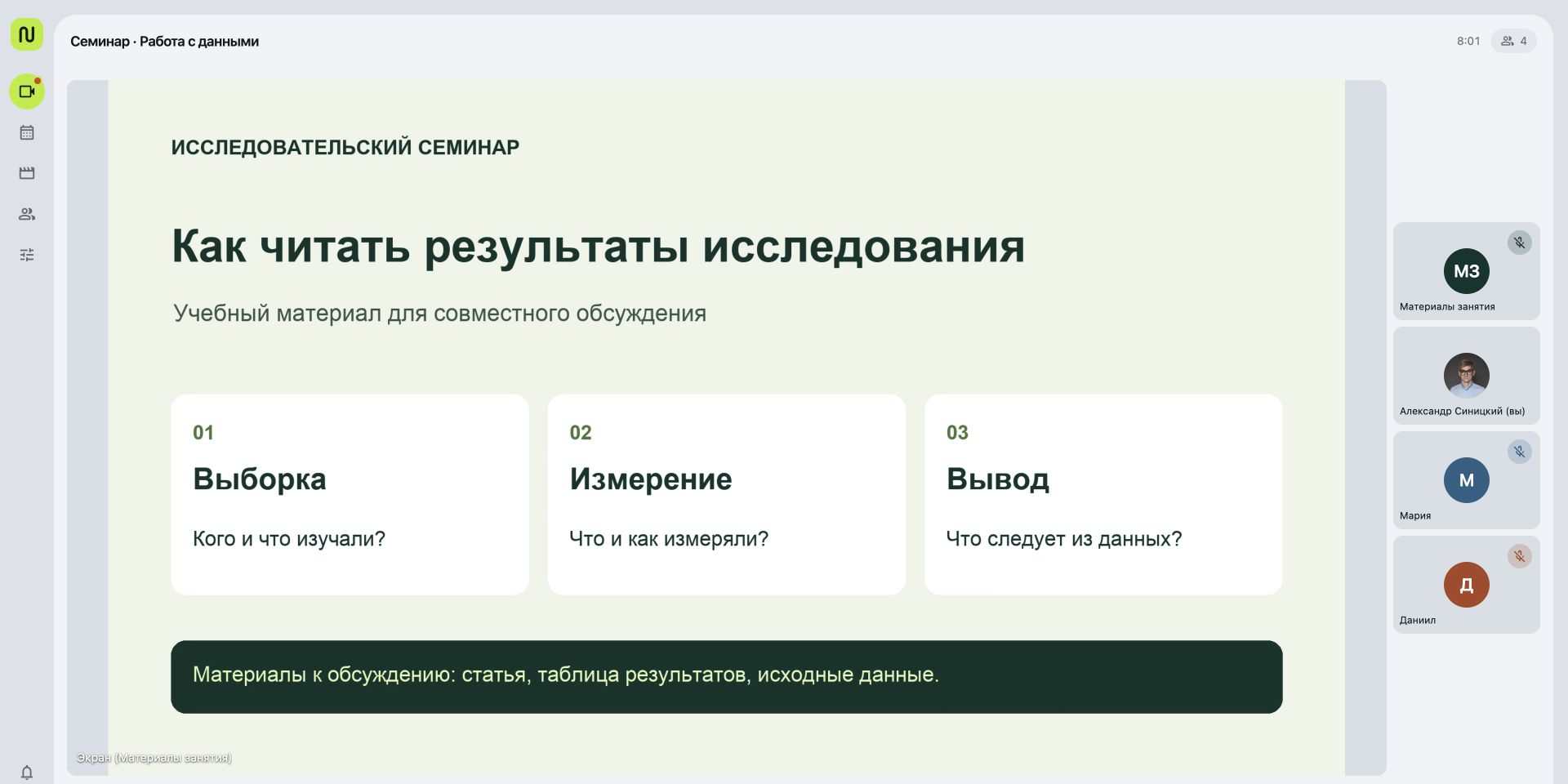
Open the material in your usual application on a computer and share the relevant window in Planaro Meet. Meeting chat keeps a source link, question or short note alongside the conversation.

A learner can join by link as a guest. To review their work, a participant on a computer can share their own window after the current share ends. Use the Planaro calendar to arrange a follow-up session.

Planaro Meet showing shared teaching material beside the participants.
Teaching material shared in a Planaro Meet session. View full size ↗

Prepare one shared brief

Send the case and question in advance. Keep them available during the meeting so changed assumptions remain visible.

If teams use different starting data, identify that difference before comparing their proposals.

Let a team explain the reasoning

A team can share slides or a document from a computer. Discuss how its proposed actions connect to the goal and intended result.

Meeting chat can hold short questions and references. Agree the presentation order before the discussion.

Make feedback specific

Connect a comment to a criterion or passage in the proposal. Keep the original wording beside a revision where helpful.

Identify a checkable next step for a revision. Store notes in your usual course document or learning system.

Retain the seminar outcome

Keep the criteria, reviewed alternatives and open questions together. Schedule a follow-up in the Planaro calendar if needed.

Record by agreement, reviewing the result before sharing it and retaining the original presentations separately.

Before the first session

Can teams present a case solution?

Yes. A team can share slides or a document while participants discuss the reasoning in the common meeting.

Where do assignments and grades live?

Keep them in your course system or document. Planaro supplies the call and shared material view.

Does a learner need an account?

A participant can join an invited meeting as a guest. The organiser creates the meeting from their account.

Bring the next question into a shared view

Start with one task or question. Open the source material, create a meeting and send the invitation to your learners.