For teachers, tutors and study groups

Online Theory Classes for Medical Colleges

Share the teaching image or diagram and discuss the student’s explanation. Use Planaro for theory seminars and reviews of prepared academic work.

Keep your materials in the tools you already use. Explore Planaro Meet.

Start with the teaching task

Give an image clear labels and a teaching question

A student recognises a diagram but cannot yet connect a label to the explanation. Keep the image, key and specific assignment question visible together.

Prepare instructor-selected material, such as a teaching illustration, terminology table or invented classroom scenario. Share it in Meet and discuss the reasoning in the response.

Anchors for a theory discussion

  1. MaterialA teaching diagram or image
  2. LabelWhich detail is being discussed?
  3. ExplanationHow is the answer supported?
The instructor selects and checks the teaching content for the course.
A session in Planaro

A shared view of the work you are discussing

Open the material in your usual application on a computer and share the relevant window in Planaro Meet. Meeting chat keeps a source link, question or short note alongside the conversation.

A learner can join by link as a guest. To review their work, a participant on a computer can share their own window after the current share ends. Use the Planaro calendar to arrange a follow-up session.

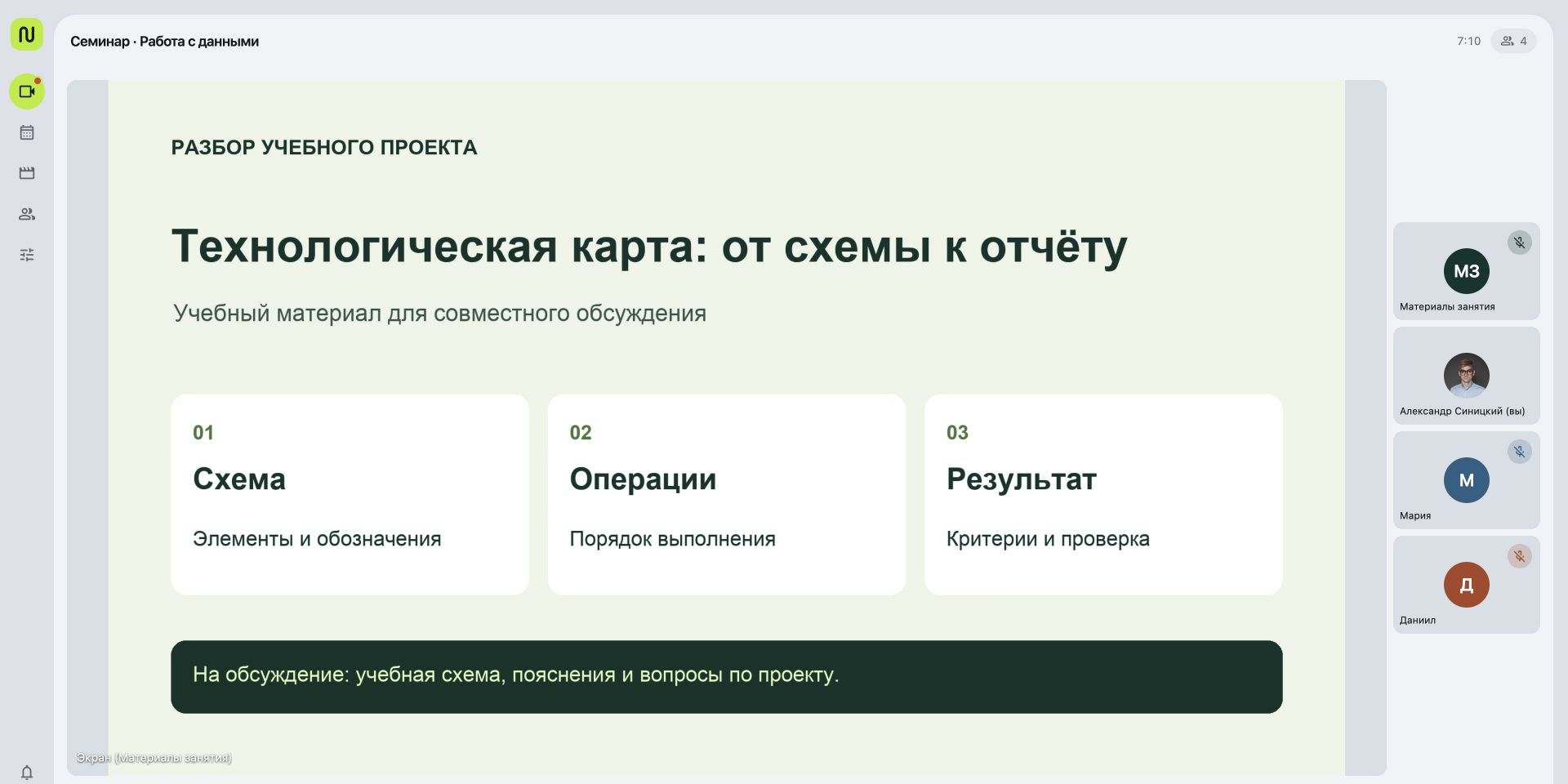
Planaro Meet showing shared teaching material beside the participants.
Teaching material shared in a Planaro Meet session. View full size ↗

Retain the source and image key

Open an image with readable labels. When enlarging an area, keep a way to return to the overall view and context.

Provide an authorised teaching source so students can study it later at a suitable scale.

Discuss terminology and sequences

Prepare terms with the explanations used in your course. Relate them to the particular diagram under discussion.

For a sequence, show neighbouring stages together. Participants can ask clarifying questions through voice or chat.

Review prepared student work

A student can share a teaching presentation or report from a computer. Connect feedback to a particular passage and assignment question.

Use authorised teaching material and appropriately anonymised examples for group viewing. Practical training is arranged separately by the institution.

Keep materials for revision

Retain the source, reviewed labels and independent-study question. Schedule the next class in Planaro if useful.

Record by agreement, reviewing the recording’s content and transcript terminology before sharing. Keep original images separately.

Before the first session

Can I hold a theory seminar?

Yes. Share prepared diagrams, documents and slides for discussion through voice and video.

Can students present a teaching report?

Yes. Share material authorised for discussion and work through the question and explanation together.

Does a learner need an account?

A participant can join an invited meeting as a guest. The organiser creates the meeting from their account.

Bring the next question into a shared view

Start with one task or question. Open the source material, create a meeting and send the invitation to your learners.