For teachers, tutors and study groups

Teach Chemistry Online with Planaro

Show the complete equation, enlarge a subscript and discuss the next calculation step. Planaro keeps the teaching material in a shared view with voice and chat.

Keep your materials in the tools you already use. Explore Planaro Meet.

Start with the teaching task

A coefficient and a subscript need to be clearly distinguishable

Large and small numbers sit close together in a chemical equation but play different roles. If the source is tiny, a learner may miss the part that changed.

Share the equation from a document or presentation in Meet. Keep the reactants, products and working together so you can discuss atom counts and the selected coefficients.

An equation for a teaching discussion

2H2 + O2 → 2H2O
ElementLeftRight
H44
O22
Keep the original equation and atom-count comparison together.
A session in Planaro

A shared view of the work you are discussing

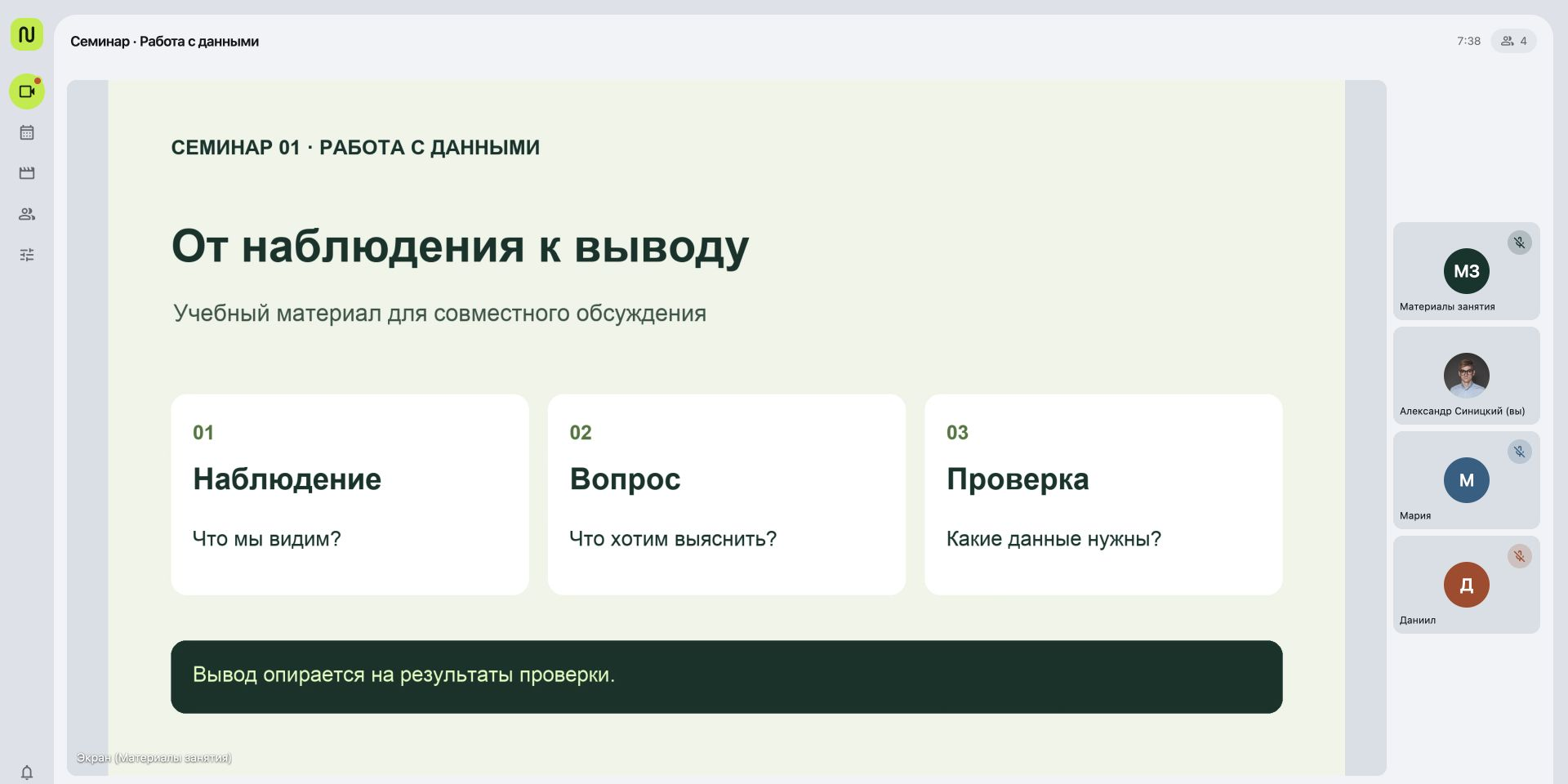
Open the material in your usual application on a computer and share the relevant window in Planaro Meet. Meeting chat keeps a source link, question or short note alongside the conversation.

A learner can join by link as a guest. To review their work, a participant on a computer can share their own window after the current share ends. Use the Planaro calendar to arrange a follow-up session.

Planaro Meet showing shared teaching material beside the participants.
Teaching material shared in a Planaro Meet session. View full size ↗

Retain complete formulas while discussing a change

Show the whole equation with enough zoom to read the notation. For a sequence of transformations, keep arrows and required labels visible.

Prepare a readable image for paper work or check its camera view. The discussion should refer to an identifiable symbol or line.

Connect a calculation to the statement

Keep the problem, reaction equation and working together. Identify the substances and quantities used before substituting numbers.

Retain intermediate steps in a document or external whiteboard. A student can share their own computer window when explaining an independent attempt.

Use reference tables and prepared visuals

Identify the relevant part of a reference table before enlarging it. Retain the selected value beside the working where useful.

Discuss prepared observations, photographs or external models. Equipment and reagent work follow your institution’s practical arrangements.

Leave notation in its original form

Give learners the reviewed equation and working in the source document. For phone viewing, show one formula or small scheme clearly.

Record by agreement and review the result before sharing it. Check substance names and numbers in the transcript and retain the original chemical notation separately.

Before the first session

Does Meet contain a chemistry editor?

Use your chosen chemistry editor, document or external whiteboard and share its window in Meet.

Can I discuss a learner’s own work?

Yes. Share a prepared image or document, or let a learner on a computer show their own window.

Does a learner need an account?

A participant can join an invited meeting as a guest. The organiser creates the meeting from their account.

Bring the next question into a shared view

Start with one task or question. Open the source material, create a meeting and send the invitation to your learners.