For teachers, tutors and study groups

Teach Russian Online with Planaro

Keep the sentence that raised the question in view. Use Planaro to read together, compare revisions and discuss the reasoning behind a Russian-language response.

Keep your materials in the tools you already use. Explore Planaro Meet.

Start with the teaching task

A punctuation choice needs the surrounding sentence

A correction marks a missing comma, but understanding it requires the sentence itself: its grammatical structure, word roles and relationships. A shared document gives the explanation a precise reference.

Retain the original beside the revision. The learner can explain the choice, compare a nearby example and see what changed in the written form.

One word in two contexts

Кажется, дождь начинается.

«Кажется» as a parenthetical expression

Озеро кажется глубоким.

«Кажется» within the predicate
Use complete sentences so the grammatical role remains discussable.
A session in Planaro

A shared view of the work you are discussing

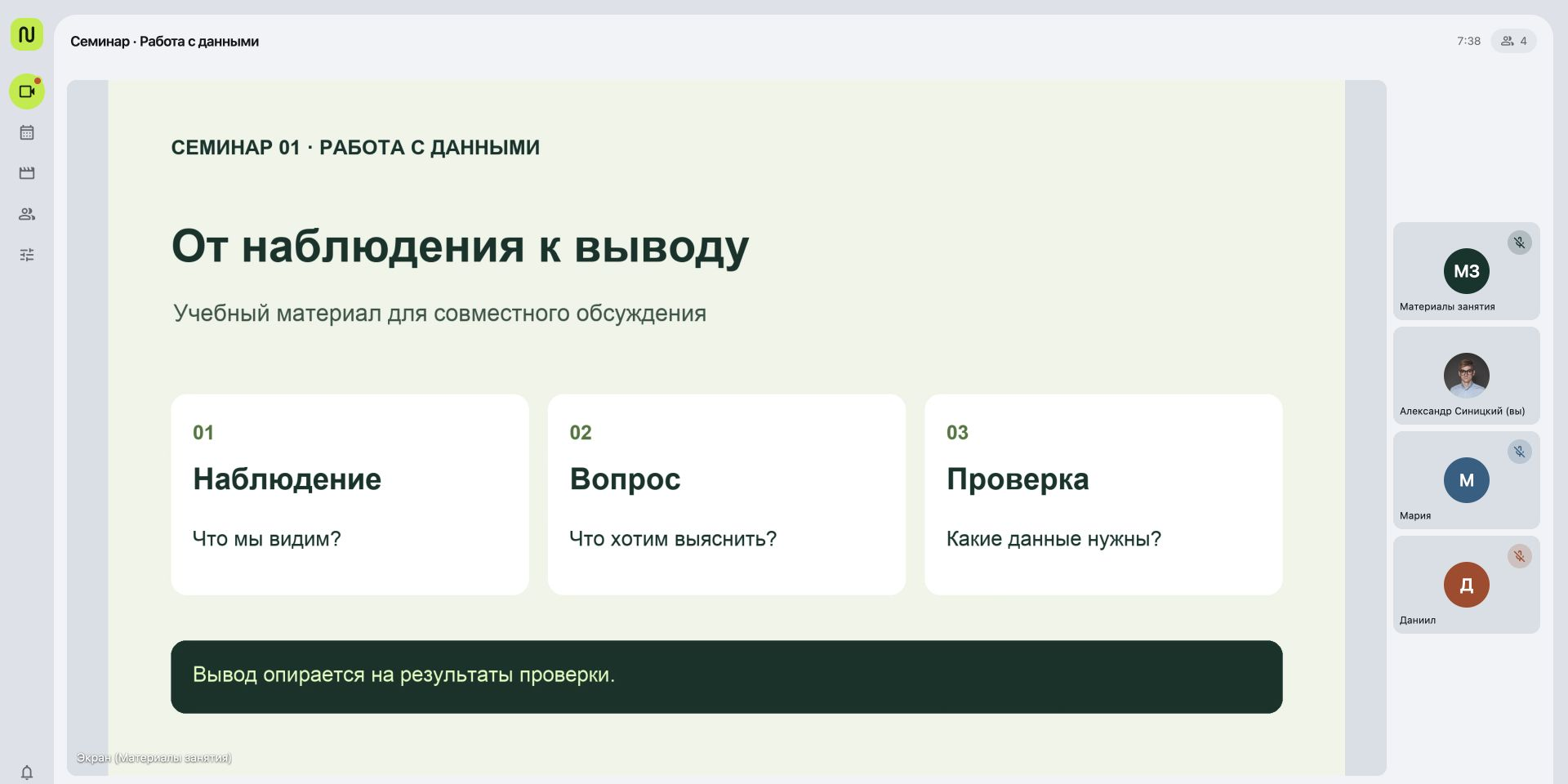
Open the material in your usual application on a computer and share the relevant window in Planaro Meet. Meeting chat keeps a source link, question or short note alongside the conversation.

A learner can join by link as a guest. To review their work, a participant on a computer can share their own window after the current share ends. Use the Planaro calendar to arrange a follow-up session.

Planaro Meet showing shared teaching material beside the participants.
Teaching material shared in a Planaro Meet session. View full size ↗

Use the learner’s text as a starting point

Share one sentence, passage or spelling question at a readable size. Keep enough context to discuss the meaning and structure behind the correction.

After reviewing an example, prepare a related one without annotations. The learner can explain a new choice rather than simply repeat the correction.

Review an essay through its argument

Start with the thesis, supporting points and paragraph connections. Then enlarge a passage whose meaning or evidence needs attention.

Keep versions before and after revision. A learner on a computer can share their editor and explain the change they propose.

Support spoken responses with the source text

Use the call for reading aloud, retelling or discussion. Keep the question or passage available so the learner can return to the material.

Choose expectations for the actual course: Russian as a first language, Russian as a foreign language or a specific school examination. Those contexts need their own teaching and assessment criteria.

Leave the example available for revision

Retain the reviewed passage and a related practice task. For phones, use a short extract with readable endings, quotation marks and punctuation.

Record by agreement and review the result before sharing it. Keep corrected writing and punctuation in the source document rather than reconstructing them from a speech transcript.

Before the first session

Can I review an essay?

Yes. Share the document and discuss its structure and wording through the call. Editing happens in your usual editor.

Does Planaro automatically mark punctuation?

The teacher reviews the writing and reasoning. Meet provides the shared text view, call and chat.

Does a learner need an account?

A participant can join an invited meeting as a guest. The organiser creates the meeting from their account.

Bring the next question into a shared view

Start with one task or question. Open the source material, create a meeting and send the invitation to your learners.