For teachers, tutors and study groups

Teach Literature Online with Planaro

Keep the passage in view while students develop an interpretation. Planaro brings shared text, conversation and essay discussion into the same online lesson.

Keep your materials in the tools you already use. Explore Planaro Meet.

Start with the teaching task

Give an interpretation a clear reference in the text

A student offers a reading of a character but has not yet connected it to a particular scene. Sharing the passage lets you examine the action, dialogue or narrative detail together and ask how it supports the argument.

Choose a manageable extract with enough surrounding context. Share its window in Meet and let the student explain the connection in their own words. The text stays available while you compare interpretations.

Anchors for a close-reading discussion

  1. DetailWhich part of the passage stands out?
  2. ContextWhat happens around it?
  3. InterpretationHow does the detail support the reading?
A discussion framework for your chosen work, rather than a ready-made character analysis.
A session in Planaro

A shared view of the work you are discussing

Open the material in your usual application on a computer and share the relevant window in Planaro Meet. Meeting chat keeps a source link, question or short note alongside the conversation.

A learner can join by link as a guest. To review their work, a participant on a computer can share their own window after the current share ends. Use the Planaro calendar to arrange a follow-up session.

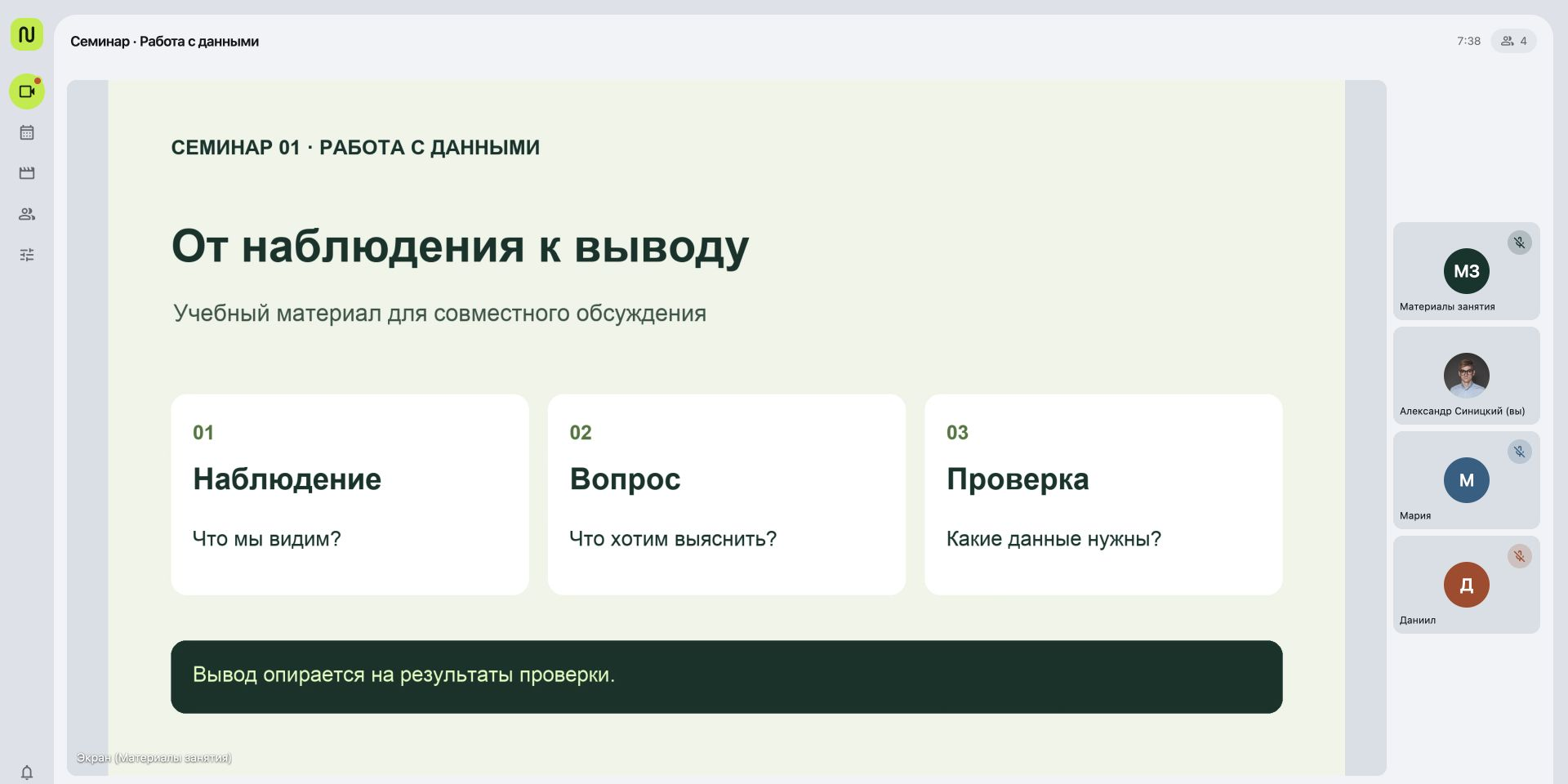
Planaro Meet showing shared teaching material beside the participants.
Teaching material shared in a Planaro Meet session. View full size ↗

Keep the shape of the passage

Enlarge the extract while preserving paragraph breaks and useful notes. If a comparison depends on two scenes, put both passages within easy reach rather than switching to an isolated quotation.

For poetry, retain the line and stanza layout. Students can discuss a particular phrase while still seeing the relationships created by its position in the poem.

Build a seminar around a shared reference

In a group, students can offer different readings of the same extract. The shared document makes it easier to locate the detail behind an argument. Meeting chat can hold source links and short questions.

Send the reading in advance and identify the section you will discuss. This leaves more of the live session for interpretation, comparison and follow-up questions.

Review an essay through its argument

Open the thesis and the paragraph intended to support it. Discuss how the evidence connects to the claim, then compare the original and revised paragraph. Editing takes place in your usual document editor.

A student on a computer can share their own window and explain a revision. Any shared editing access is managed in that document, separately from the meeting link.

Make the next reading task easy to find

After the lesson, keep the work title, chapter or scene, discussion question and next reading task together. Page numbers may differ between editions, so include another reliable reference.

For a student joining by phone, show a short passage at a readable size. The Planaro app can display a screen shared from the teacher’s computer. Record the discussion by agreement, and retain quotations and references in the original materials as well.

Before the first session

Can I discuss poetry through screen sharing?

Yes. Share a document that preserves the poem’s line and stanza layout, with a readable font size.

Does Planaro assess literary essays?

The teacher reviews the interpretation and writing. Planaro provides the call, shared screen and meeting chat.

Does a learner need an account?

A participant can join an invited meeting as a guest. The organiser creates the meeting from their account.

Bring the next question into a shared view

Start with one task or question. Open the source material, create a meeting and send the invitation to your learners.