For teachers, tutors and study groups

Teach Social Studies Online with Planaro

Keep the case and the student’s argument visible together. Use Planaro for individual feedback or a seminar based on a shared reading or classroom scenario.

Keep your materials in the tools you already use. Explore Planaro Meet.

Start with the teaching task

Help a student connect a concept to the evidence

A student may use the right term without yet showing why it applies to the case. Sharing the prompt beside the answer lets you examine that connection directly.

Prepare a classroom scenario with clear starting information. Discuss which statements report an observation, which express an evaluation and which explain the student’s conclusion.

A framework for discussing an answer

  1. ConceptWhich idea is being used?
  2. CaseWhat information is available?
  3. ArgumentHow does the example support the claim?
Use the terminology and assessment criteria of your own course or curriculum.
A session in Planaro

A shared view of the work you are discussing

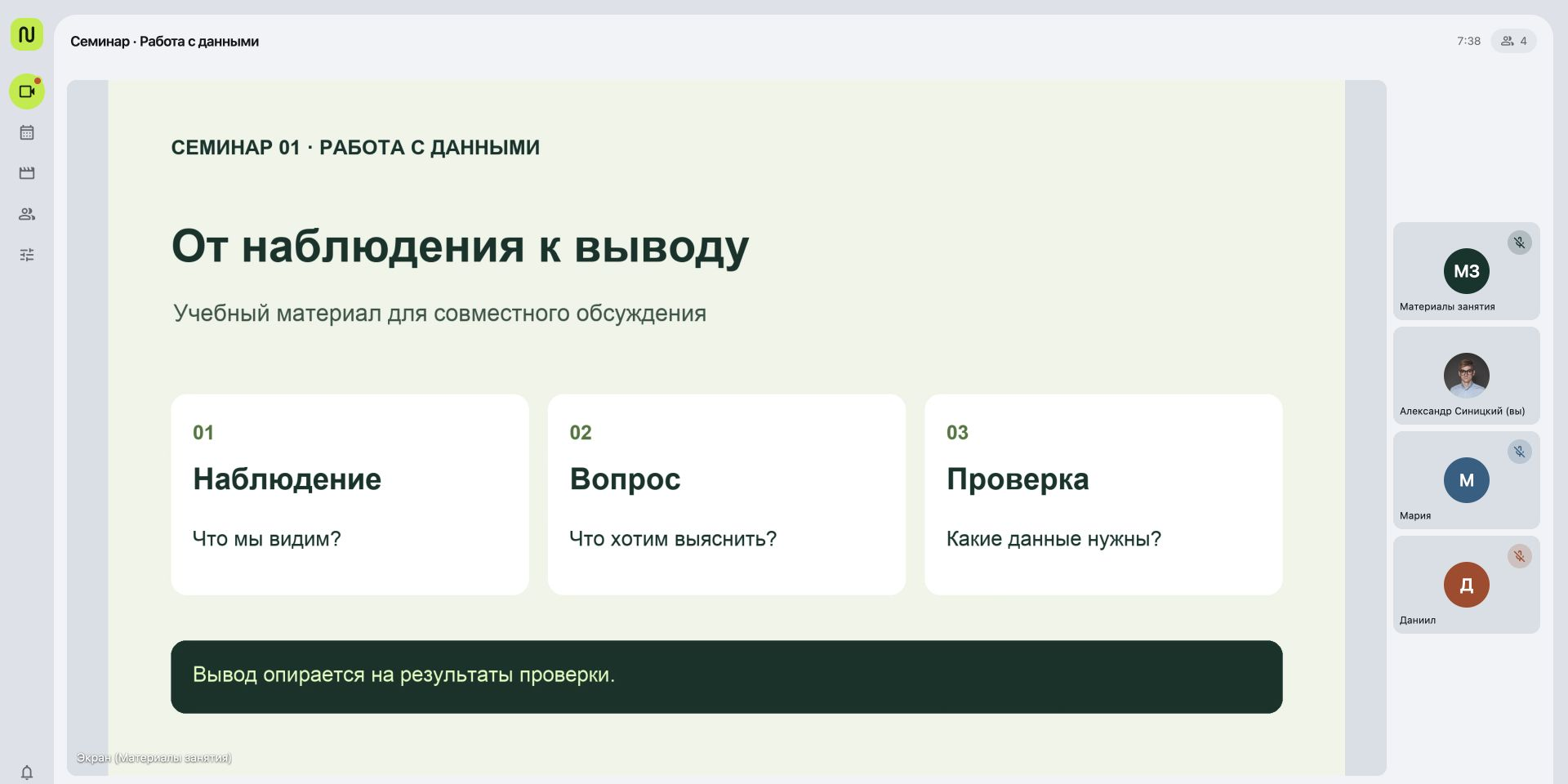
Open the material in your usual application on a computer and share the relevant window in Planaro Meet. Meeting chat keeps a source link, question or short note alongside the conversation.

A learner can join by link as a guest. To review their work, a participant on a computer can share their own window after the current share ends. Use the Planaro calendar to arrange a follow-up session.

Planaro Meet showing shared teaching material beside the participants.
Teaching material shared in a Planaro Meet session. View full size ↗

Make a concept concrete

Place the definition and example on the same page. Identify the relevant features and discuss where they appear in the scenario. A second case can help explore the limits of the concept.

Keep useful formulations in the document. Meeting chat can hold a source link or the reference for the task.

Discuss arguments in a small group

A shared screen gives everyone the same starting point. Students can explain the basis for a conclusion before comparing answers against the selected criterion.

Choose the reading and discussion scope in advance. Frame the case around information students can examine and sources they can follow up.

Review an extended response

Share the outline, written passage and assignment question. Discuss the explanation, the role of the example and the links between paragraphs. Comparing versions makes a revision easier to understand.

Use the assessment criteria of your school or examining body. The teacher reviews the answer; the call gives students a place to explain their choices and ask questions.

Keep the sources and next task together

After class, retain the concepts, source reference and question for independent work. For materials discussing rules or institutions, include the version or publication date you used.

The Planaro app can display a screen shared from a teacher’s computer. Show a short case clearly on phones, and record a discussion only by agreement.

Before the first session

Can I hold a class discussion?

Yes. Participants can discuss the same material through voice and video, with meeting chat for short questions and links.

Does Planaro mark exam responses?

The teacher applies the course criteria. Planaro provides the meeting, shared screen and chat.

Does a learner need an account?

A participant can join an invited meeting as a guest. The organiser creates the meeting from their account.

Bring the next question into a shared view

Start with one task or question. Open the source material, create a meeting and send the invitation to your learners.