For teachers, tutors and study groups

Teach History Online with Planaro

Bring a source, map or timeline into the conversation. Use Planaro to compare evidence and discuss what a student’s spoken or written answer is based on.

Keep your materials in the tools you already use. Explore Planaro Meet.

Start with the teaching task

Keep evidence distinct from the interpretation of it

A student describes an event but draws on several materials without making the connection clear. Sharing one source lets you examine its origin, identify what it actually contains and discuss the interpretation separately.

Prepare an extract with its author, date and relevant context. Share it in Meet and state the question you are asking of it. You can then compare another account while retaining a reference to both.

Questions to ask of a source

  1. OriginWho created it, when and in what setting?
  2. ContentWhat does it directly say or show?
  3. ArgumentWhich claim can it help support?
Choose the actual sources and historical context to match your lesson.
A session in Planaro

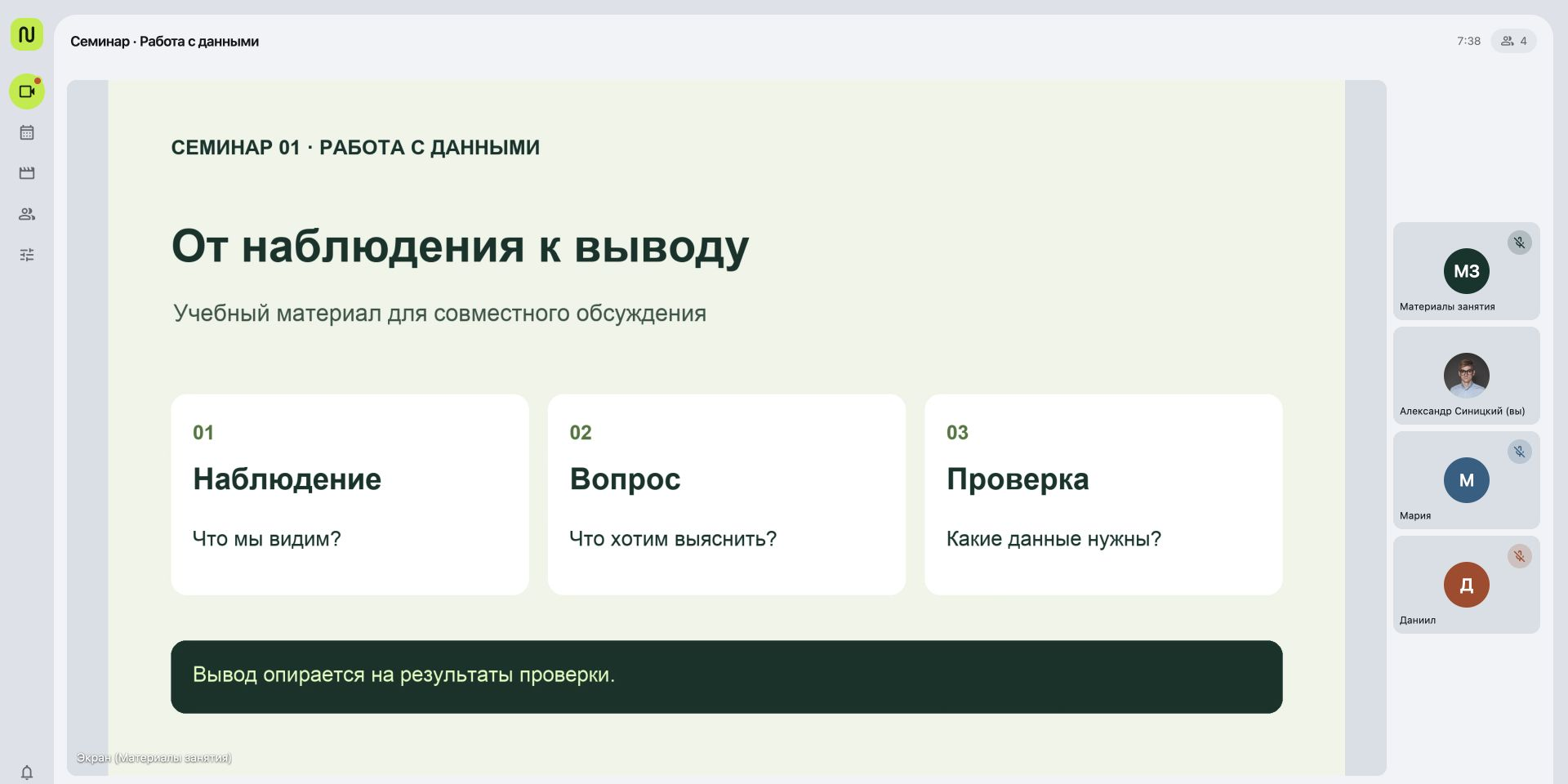
A shared view of the work you are discussing

Open the material in your usual application on a computer and share the relevant window in Planaro Meet. Meeting chat keeps a source link, question or short note alongside the conversation.

A learner can join by link as a guest. To review their work, a participant on a computer can share their own window after the current share ends. Use the Planaro calendar to arrange a follow-up session.

Planaro Meet showing shared teaching material beside the participants.
Teaching material shared in a Planaro Meet session. View full size ↗

Compare documents with their references intact

Place extracts beside their titles and publication details. Keep the comparison question visible so students can identify the basis for a similarity or difference.

Send links to the original publications in meeting chat. Retain the materials in your usual course space for students who want to revisit them.

Keep a map’s legend in the discussion

Historical maps need readable dates, symbols and geographic references. When enlarging a particular area, make it easy to return to the whole map.

For changes over time, prepare clearly labelled maps. Meet shares the source window while you navigate it in the original viewing tool.

Use a timeline to support an explanation

A short sequence can help students locate the events relevant to the question. Add enough context to distinguish chronological order from a causal explanation.

Review the student’s sequence, proposed causes and consequences separately. Share the written answer and link each comment to a specific passage.

Leave the evidence available after class

Keep the seminar question, selected sources and next reading task together. Include a document or section title alongside page references when editions differ.

Record by agreement if students need to revisit the discussion. Check names, dates and source titles in any transcript. On phones, show one passage clearly and share the original separately.

Before the first session

Can I run a source-based seminar?

Yes. Share a document, discuss the evidence through the call and put original source links in meeting chat.

Can I discuss maps?

Yes. Share a prepared image or source window, keeping the relevant labels and legend readable.

Does a learner need an account?

A participant can join an invited meeting as a guest. The organiser creates the meeting from their account.

Bring the next question into a shared view

Start with one task or question. Open the source material, create a meeting and send the invitation to your learners.