For teachers, tutors and study groups

Teach Law Online with Planaro

Keep the classroom case beside the source and student response. Use Planaro to examine the reasoning and share the document passages needed for discussion.

Keep your materials in the tools you already use. Explore Planaro Meet.

Start with the teaching task

Keep the facts distinct from the basis of the argument

A response names a source but does not connect it to a particular circumstance. Sharing the case, source passage and argument together gives the seminar a clear reference.

Open the prepared teaching document in Meet. Identify its version and the question under discussion before examining the connection between the facts and conclusion.

Anchors for a classroom case discussion

  1. CircumstancesWhat does the case specify?
  2. SourceWhich material and version are used?
  3. ArgumentHow is the conclusion supported?
The teacher selects the teaching case and the relevant course materials.
A session in Planaro

A shared view of the work you are discussing

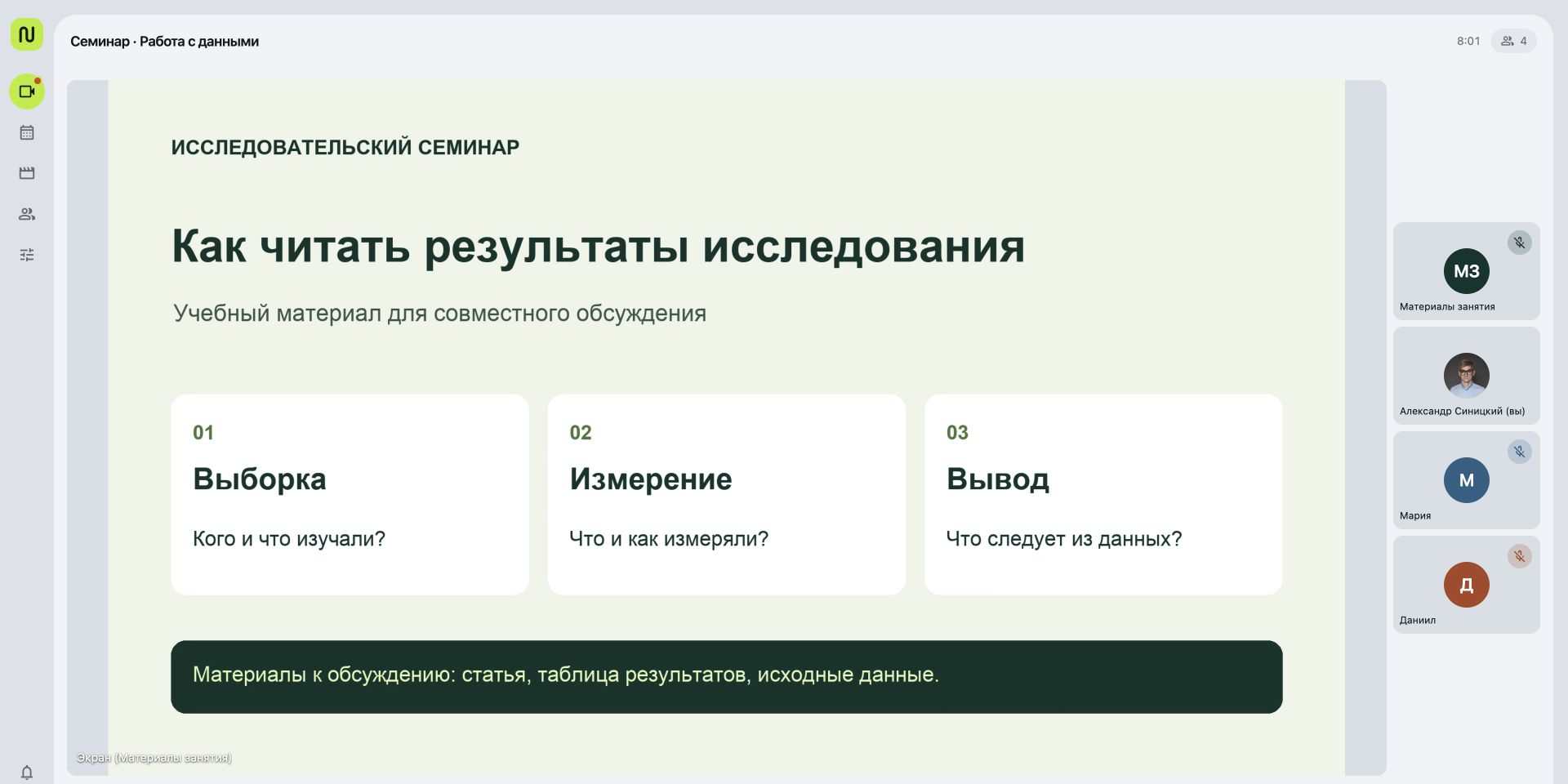
Open the material in your usual application on a computer and share the relevant window in Planaro Meet. Meeting chat keeps a source link, question or short note alongside the conversation.

A learner can join by link as a guest. To review their work, a participant on a computer can share their own window after the current share ends. Use the Planaro calendar to arrange a follow-up session.

Planaro Meet showing shared teaching material beside the participants.
Teaching material shared in a Planaro Meet session. View full size ↗

Prepare one shared set of materials

Send the brief and source list in advance. Retain version information and enough surrounding context when sharing a passage.

Use teaching data that are appropriate for discussion with the whole class.

Compare arguments in a seminar

Participants can explain their conclusions in turn while referring to the same case. Keep sources and short questions in meeting chat.

When comparing alternatives, identify the circumstance or premise that differs so the group knows what is being debated.

Review a written response

Share the relevant paragraph and discuss its source reference, explanation and connection to the task. Keep original and revised wording together.

Editing happens in your document service. A student on a computer can share their own window and explain a revision.

Retain references for the next tutorial

Keep the question, sources and next revisions together, including the versions of the materials used.

Record by agreement. Before sharing the result, review access to the discussed material and check names, references and wording in the transcript.

Before the first session

Can I run a classroom law seminar?

Yes. Share the teaching case and documents while participants discuss their reasoning in the call.

Where are changes to written work saved?

In your document editor or course system. Meet provides the shared view and conversation.

Does a learner need an account?

A participant can join an invited meeting as a guest. The organiser creates the meeting from their account.

Bring the next question into a shared view

Start with one task or question. Open the source material, create a meeting and send the invitation to your learners.