For teachers, tutors and study groups

Teach Accounting Online with Planaro

Start with a teaching document and follow its effect through the worksheet or accounting program. Planaro keeps the shared screen, questions and explanation in one call.

Keep your materials in the tools you already use. Explore Planaro Meet.

Start with the teaching task

Make the route from source document to result visible

A learner may recognise a final balance without understanding which entries created it. An online accounting lesson can follow one example from the original document through the relevant records to a report.

Open a teaching spreadsheet or isolated training database and share the window. Keep the example’s assumptions visible so the discussion stays within the course’s chosen accounting framework.

A fictional classroom worksheet

ItemExample amount
Opening cash balance1,000
Receipt300
Payment120
Closing cash balance1,180
Fictional amounts in unspecified units, used only to discuss the movement from opening to closing balance.
A session in Planaro

A shared view of the work you are discussing

Open the material in your usual application on a computer and share the relevant window in Planaro Meet. Meeting chat keeps a source link, question or short note alongside the conversation.

A learner can join by link as a guest. To review their work, a participant on a computer can share their own window after the current share ends. Use the Planaro calendar to arrange a follow-up session.

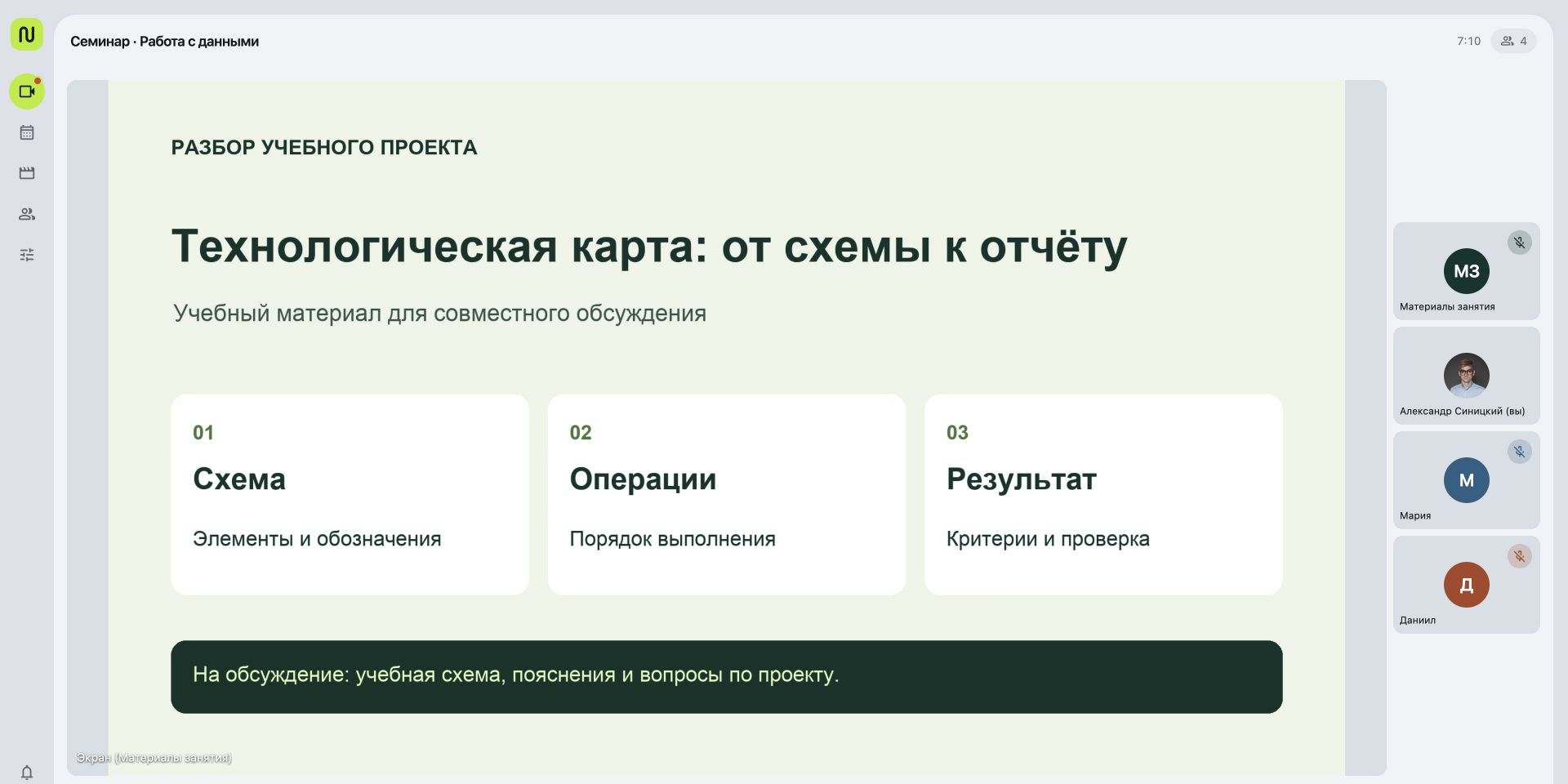
Planaro Meet showing shared teaching material beside the participants.
Teaching material shared in a Planaro Meet session. View full size ↗

Prepare a training copy with a clear period

Select the documents, reporting period and assumptions for the lesson. Use fictional or appropriately anonymised teaching data.

For software practice, prepare access to an isolated training database. The accounting application and its permissions are arranged separately from the call.

Trace one transaction before comparing totals

Show the source document, the related entries and the resulting report. Keep the relevant dates and identifiers visible so learners can follow the connection.

When two results differ, return to the source and the sequence of actions. A screen share makes those actions visible while the teacher discusses their effect.

Let the learner explain an independent attempt

After the teacher ends the current share, a learner on a computer can show their own worksheet or training program. Ask them to follow the same example through their version.

Keep feedback in the course’s usual document. Formulas and program calculations are checked in the spreadsheet or accounting tool.

Retain the exercise and its assumptions

Save the reviewed file and a short note about the remaining question. A later lesson can return to the same example without reconstructing the data.

Agree any recording in advance, review it before sharing and check numbers in a transcript. Keep original tables and documents alongside the explanation.

Before the first session

Can I show accounting software during a lesson?

Yes. Share the open window from a computer. Software licences, training data and access are arranged through your course.

Does Meet check accounting calculations?

Calculations are performed and checked in your teaching software. Planaro provides communication and the shared view.

Does a learner need an account?

A participant can join an invited meeting as a guest. The organiser creates the meeting from their account.

Bring the next question into a shared view

Start with one task or question. Open the source material, create a meeting and send the invitation to your learners.