For teachers, tutors and study groups

Teach Finance Online with Planaro

Keep the date of each quantity visible with the calculation. Use Planaro to examine a classroom financial model and discuss the assumptions behind it.

Keep your materials in the tools you already use. Explore Planaro Meet.

Start with the teaching task

Keep the timing of a flow beside its amount

Two equal amounts may belong to different dates in a teaching model. Sharing only the final cell loses part of the problem. A timeline beside the working preserves that context.

Open the prepared spreadsheet in Meet with period labels, assumptions and source references intact. Students can explain the calculation and return to a particular row.

A framework for a classroom flow model

TimeRecord
t₀Initial condition
t₁First-period flow
t₂Following-period flow
The teacher supplies the amounts, assumptions and calculation method for the example.
A session in Planaro

A shared view of the work you are discussing

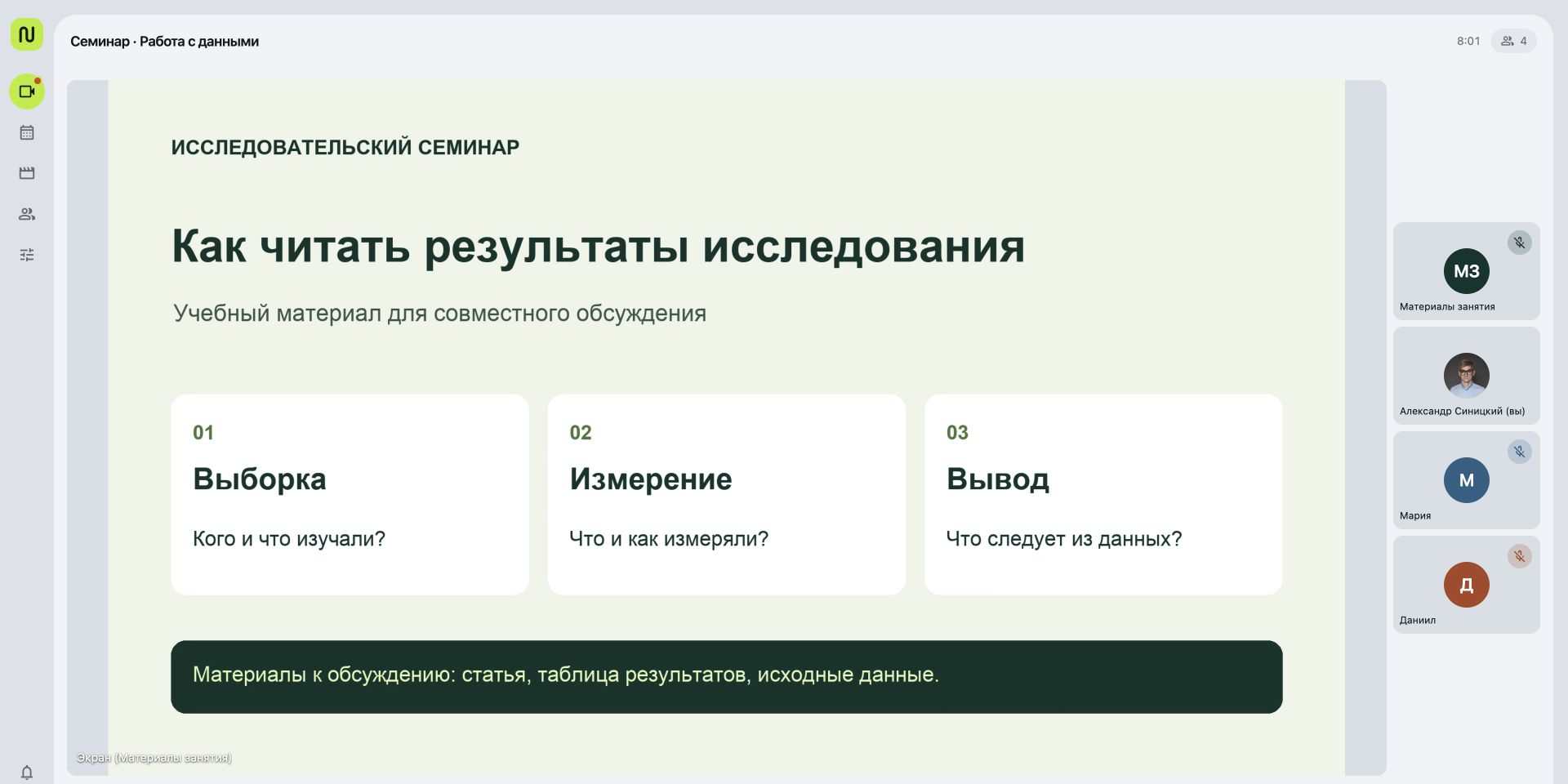
Open the material in your usual application on a computer and share the relevant window in Planaro Meet. Meeting chat keeps a source link, question or short note alongside the conversation.

A learner can join by link as a guest. To review their work, a participant on a computer can share their own window after the current share ends. Use the Planaro calendar to arrange a follow-up session.

Planaro Meet showing shared teaching material beside the participants.
Teaching material shared in a Planaro Meet session. View full size ↗

Retain assumptions beside the spreadsheet

State the period, units, sign convention and assumptions. When comparing alternatives, make the changed input explicit.

Use teaching data or material authorised for the discussion, keeping a description that lets students reproduce the model.

Trace a formula to its inputs

Show the cell and values it refers to. Compare states using consistent labels when changing a parameter.

Calculations run in your own application. Meet shares the view and conversation, with chat for the task or file link.

Discuss what the result means in the task

Ask the student to connect the result to the original question. Review the limits of the conclusion and the assumptions required for a comparison.

For a seminar, use a common dataset so different approaches can be discussed on the same model.

Leave a version students can check

Retain the model version and notes on assumptions. A follow-up task can change one input or ask for an additional check.

Record by agreement. Keep tables and formulas separately and review the transcript’s numbers and terminology before sharing it.

Before the first session

Can I review a financial model?

You can share a prepared teaching spreadsheet and discuss its assumptions and working through the call.

Are financial calculations built into Meet?

The model runs in your chosen application. Meet provides the meeting, screen sharing and chat.

Does a learner need an account?

A participant can join an invited meeting as a guest. The organiser creates the meeting from their account.

Bring the next question into a shared view

Start with one task or question. Open the source material, create a meeting and send the invitation to your learners.