For teachers, tutors and study groups

Teach Algorithms and Data Structures Online

Show what a structure contains before and after an operation. Use Planaro to connect a diagram, pseudocode and the output of a teaching program.

Keep your materials in the tools you already use. Explore Planaro Meet.

Start with the teaching task

Make an operation visible as a change of state

A program produces the result, but a student cannot yet explain why that particular item was removed next. Keep the contents before and after the operation together.

Work through a small input in the call, then open the implementation and connect each change to the code. Execution and debugging happen in your own development environment.

The same insertion order, a different removal rule

StructureInsertedRemoved first
StackA, B, CC
QueueA, B, CA
A small comparison of LIFO and FIFO.
A session in Planaro

A shared view of the work you are discussing

Open the material in your usual application on a computer and share the relevant window in Planaro Meet. Meeting chat keeps a source link, question or short note alongside the conversation.

A learner can join by link as a guest. To review their work, a participant on a computer can share their own window after the current share ends. Use the Planaro calendar to arrange a follow-up session.

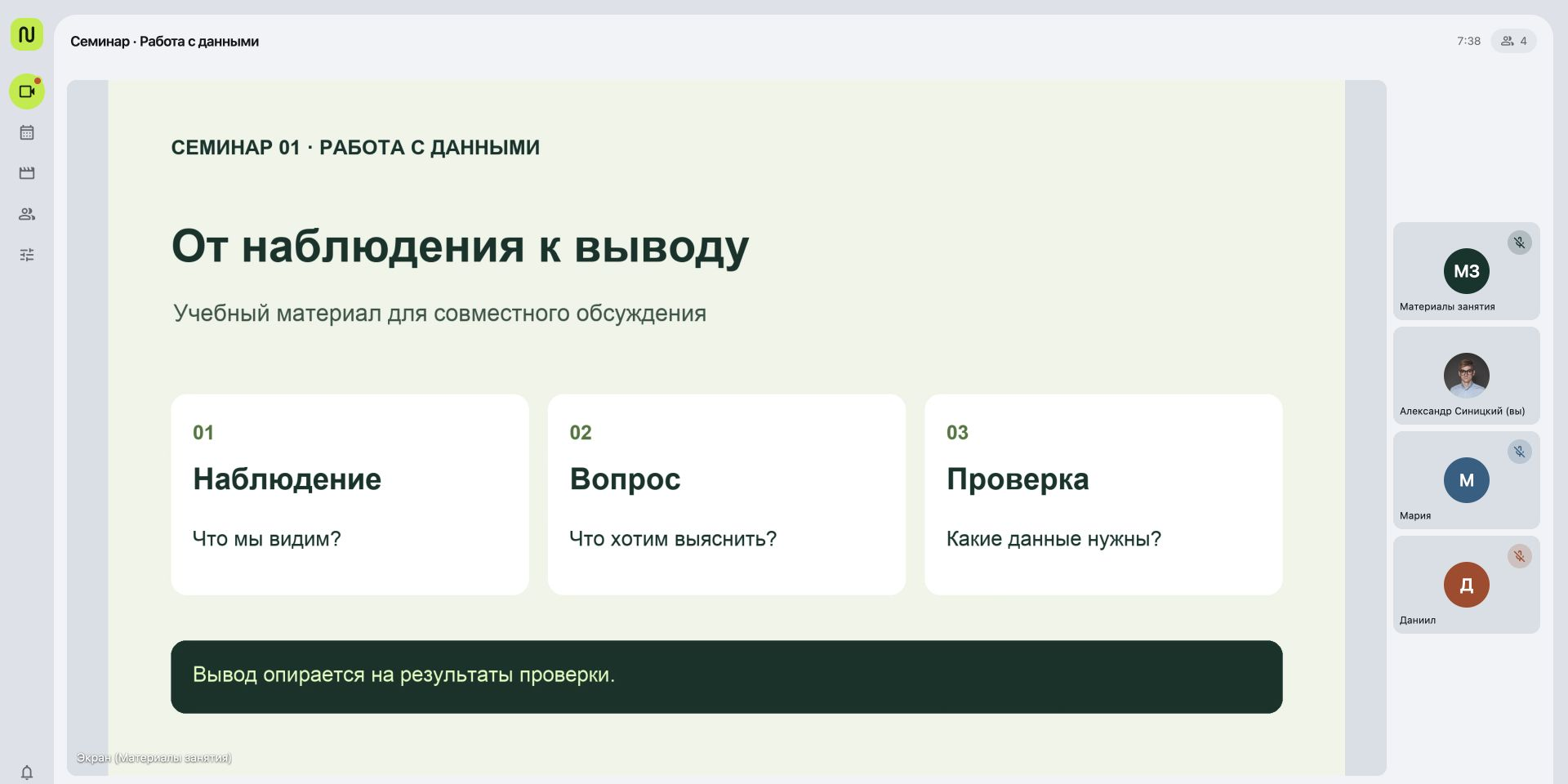
Planaro Meet showing shared teaching material beside the participants.
Teaching material shared in a Planaro Meet session. View full size ↗

Trace a manageable input

Choose data that reveal the important transitions. Keep the current step, structure state and accumulated result available together.

For an edge case, state what changed in the input. An empty structure, repeated values and an already ordered set raise different questions.

Connect pseudocode to implementation

Share the algorithm beside the relevant function. Discuss the purpose of a step before examining the code and data that implement it.

A student can share their development environment and test a change. Meeting chat can hold file links and the assignment reference.

Discuss properties and costs under clear assumptions

Keep the comparison assumptions visible. An analysis needs a defined input case and a clear account of which operation is being counted.

When using timing results, show the execution conditions too. A seminar can compare the theoretical explanation with an observation in the teaching project.

Leave a reproducible example

Keep input data, the code version and checks after the session. Students can repeat the trace and bring another implementation to the next meeting.

Record the screen-sharing discussion by agreement, retaining source code and test results in the project rather than relying only on a speech transcript.

Before the first session

Can I review a student’s implementation?

Yes. The student can share their development environment from a computer and explain the sequence of actions.

Does Meet execute the algorithm?

Run code and tests in your chosen application. Meet shares the view and supports the discussion.

Does a learner need an account?

A participant can join an invited meeting as a guest. The organiser creates the meeting from their account.

Bring the next question into a shared view

Start with one task or question. Open the source material, create a meeting and send the invitation to your learners.