For teachers, tutors and study groups

Teach Databases and SQL Online with Planaro

Keep the schema, query and result together. Planaro gives database tutorials a shared view for discussing models and testing a student’s understanding of SQL.

Keep your materials in the tools you already use. Explore Planaro Meet.

Start with the teaching task

A query result starts with the relationship between tables

Unexpected duplicate rows appear and the student looks only at the last filter. Return to the source tables: which keys are defined and which relationship is used by the join?

Share the teaching schema and query in Meet. Students can explain the join, run an alternative in their own environment and compare the output with the starting data.

A small teaching relationship

TableFields to discuss
studentsid, name
enrolmentsstudent_id, course_id

Compare students.id with enrolments.student_id.
Prepare the actual rows and constraints in your teaching database.
A session in Planaro

A shared view of the work you are discussing

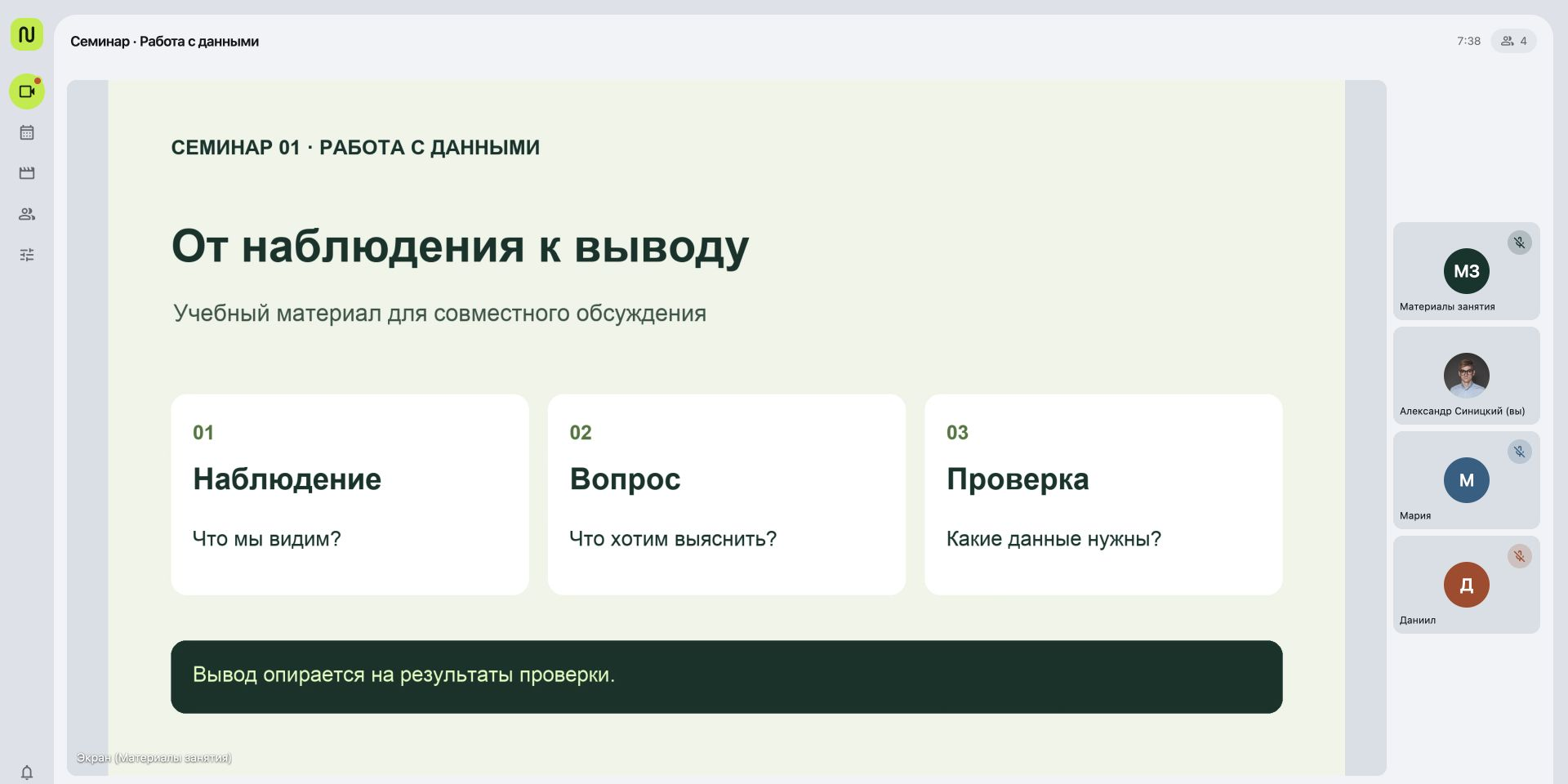
Open the material in your usual application on a computer and share the relevant window in Planaro Meet. Meeting chat keeps a source link, question or short note alongside the conversation.

A learner can join by link as a guest. To review their work, a participant on a computer can share their own window after the current share ends. Use the Planaro calendar to arrange a follow-up session.

Planaro Meet showing shared teaching material beside the participants.
Teaching material shared in a Planaro Meet session. View full size ↗

Explain the schema before the query

Share the tables and relevant constraints beside the task. Establish what one row represents in each table and how records are related.

For normalisation or a model change, retain the original and proposed schemas. Ask the student to explain which problem the change addresses.

Compare SQL with the intended output

State which rows should appear before running the query. Then share the actual output with readable column names.

A small dataset makes it easier to discuss joins, filters and grouping separately. Queries run in your selected database system or teaching environment.

Review independent work

A student on a computer can share the editor and walk through a query change while you discuss the result.

Prepare a teaching database without visible credentials or real personal records. Put the schema and task links in meeting chat.

Keep the example reproducible

Retain the schema, teaching data and reviewed queries. Include environment details where a result depends on the version or settings.

Record by agreement, keeping the SQL in the project as well. Students can rerun it without reconstructing code from the video.

Before the first session

Can I share a SQL editor?

Yes. Open the editor on your computer and share its window in Meet.

Does Planaro connect to a student’s database?

The student works in their own teaching environment and shares the screen. Database access is arranged separately.

Does a learner need an account?

A participant can join an invited meeting as a guest. The organiser creates the meeting from their account.

Bring the next question into a shared view

Start with one task or question. Open the source material, create a meeting and send the invitation to your learners.