For teachers, tutors and study groups

Teach Discrete Mathematics Online

Keep the structure beside the problem statement. Use Planaro to discuss a graph, logical expression or proof while preserving the same notation for everyone.

Keep your materials in the tools you already use. Explore Planaro Meet.

Start with the teaching task

Connect the drawing to the properties being used

A student can point to a route yet use a property in the proof that the drawing alone does not establish. Share the specified vertices, edges and question together.

Prepare the structure in a document or external editor and share it in Meet. Students can explain the route or argument while you return to the particular relation being discussed.

A small directed graph

FromTo
AB
BC
AC

A reaches C directly and along a path through B.
Keep the edge list with the drawing to preserve the exact starting data.
A session in Planaro

A shared view of the work you are discussing

Open the material in your usual application on a computer and share the relevant window in Planaro Meet. Meeting chat keeps a source link, question or short note alongside the conversation.

A learner can join by link as a guest. To review their work, a participant on a computer can share their own window after the current share ends. Use the Planaro calendar to arrange a follow-up session.

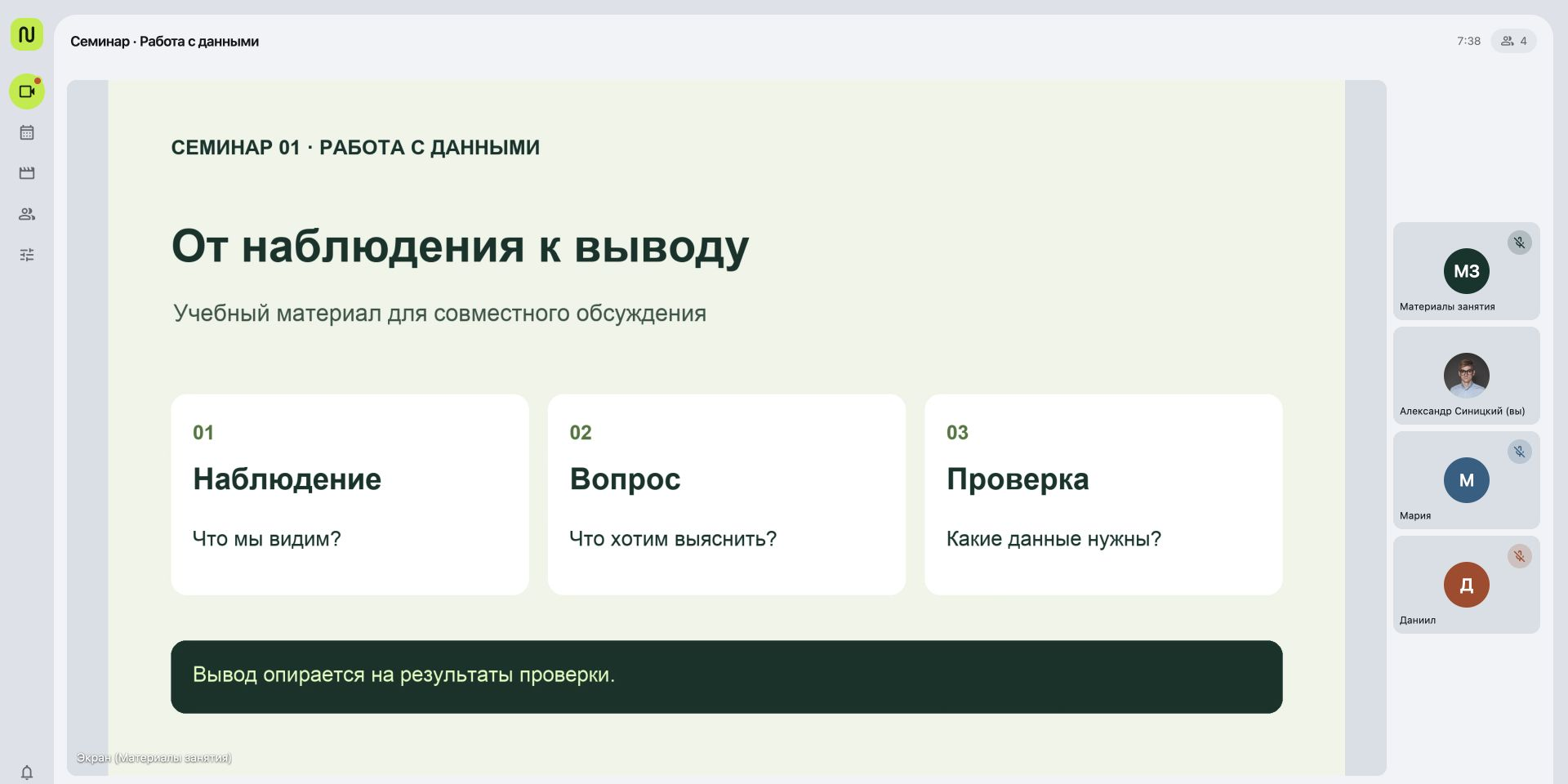
Planaro Meet showing shared teaching material beside the participants.
Teaching material shared in a Planaro Meet session. View full size ↗

Agree on notation before proving a claim

State the objects and relations given in the problem. Keep edge directions for a graph or the variable meanings for a logical expression visible.

When changing a diagram, identify the condition that changed. Students can then compare two clearly defined cases.

Follow the proof one transition at a time

Share the claim and neighbouring steps. A student can explain which assumption is used and which case is being considered.

For a counterexample, place a small structure beside the original statement. Labels keep the whole group focused on the same object.

Connect a structure to an algorithm

Prepare the algorithm separately from the diagram. Discuss what each step reads and how the state changes.

Run calculations in an external application and share that window. Code and data remain in your teaching project.

Retain a precise problem for revision

Keep the statement, notation and reviewed case together. A diagram alone may omit the constraints students need to reconstruct the argument.

Record by agreement, retaining formal expressions and subscripts in the original document as well. Check the transcript before sharing it.

Before the first session

Can I share a graph editor?

Yes. Open the external editor or prepared document and share its window in Meet.

Can I hold a proof-based seminar?

Yes. Keep the statement visible and discuss arguments in turn, with chat available for references and short notes.

Does a learner need an account?

A participant can join an invited meeting as a guest. The organiser creates the meeting from their account.

Bring the next question into a shared view

Start with one task or question. Open the source material, create a meeting and send the invitation to your learners.