For teachers, tutors and study groups

Teach Linear Algebra Online with Planaro

Discuss a matrix operation alongside its meaning. Planaro lets you share the working, compare representations and review a student’s own solution.

Keep your materials in the tools you already use. Explore Planaro Meet.

Start with the teaching task

Keep the system behind the matrix in view

A student can carry out row operations without yet explaining what they preserve. Sharing the original system beside the current matrix gives the discussion a concrete reference.

Open a document, external whiteboard or prepared model in Meet. Work through one transition at a time and return to the original statement when needed.

A simple linear transformation

InputTransformationOutput
(x, y)Diagonal matrix with entries 1, 2(x, 2y)

The first coordinate stays the same; the second is doubled.
A small example connects the matrix representation to a geometric action.
A session in Planaro

A shared view of the work you are discussing

Open the material in your usual application on a computer and share the relevant window in Planaro Meet. Meeting chat keeps a source link, question or short note alongside the conversation.

A learner can join by link as a guest. To review their work, a participant on a computer can share their own window after the current share ends. Use the Planaro calendar to arrange a follow-up session.

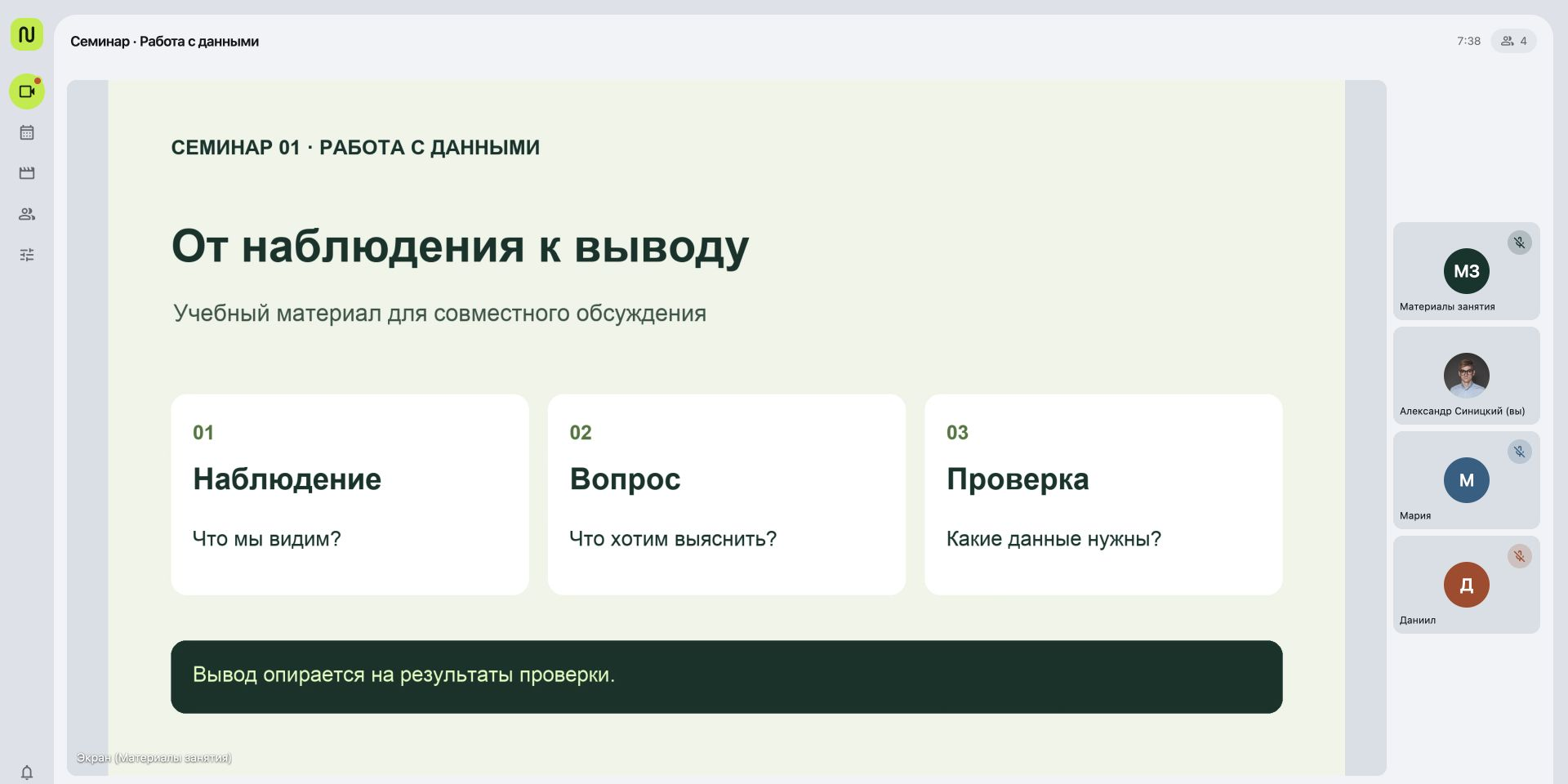
Planaro Meet showing shared teaching material beside the participants.
Teaching material shared in a Planaro Meet session. View full size ↗

Keep the system beside the calculation

Show the original equations and neighbouring stages of the solution. A question about a row operation can then refer to the exact transition.

When using a mathematical package, distinguish the inputs from the output. Discuss which assumptions were supplied and what still needs an explanation.

Connect algebra with geometry

Prepare a representation of a basis, projection or transformation in your chosen tool. Keep axes, vector labels and the problem conditions readable.

Meet shares the window; parameters are changed in the source tool. Provide its original model separately when students need to explore it later.

Review independent work

A student on a computer can share their window and explain the method. Prepare a readable image when reviewing handwritten work.

For a seminar comparison, use the same system for both methods before discussing differences in the reasoning.

Leave a reproducible record

Keep the problem, reviewed operations and next question together. The source file preserves the matrix entries and notation.

Record the discussion by agreement. Check numbers, subscripts and symbols in any transcript against the lesson materials.

Before the first session

Can I share a mathematical computing package?

Yes. Open the application on your computer and share its available window. Calculations take place in that package.

How should I show a large matrix?

Enlarge the relevant area while keeping row references or other useful labels visible. Share the original file separately.

Does a learner need an account?

A participant can join an invited meeting as a guest. The organiser creates the meeting from their account.

Bring the next question into a shared view

Start with one task or question. Open the source material, create a meeting and send the invitation to your learners.