For teachers, tutors and study groups

Teach Organic Chemistry Online with Planaro

Keep molecular structure beside the problem statement. Use Planaro to compare representations and discuss how a student reaches the next step.

Keep your materials in the tools you already use. Explore Planaro Meet.

Start with the teaching task

A molecular formula may not settle a question about structure

A student has the composition, but the next question concerns how the atoms are connected. Sharing the molecular formula beside structural alternatives gives the discussion a clear starting point.

Open a document or external chemistry editor and share its window in Meet. Students can explain a difference, return to a label and relate it to the original question.

Comparing structures

C₂H₆O

The same molecular composition
EthanolCH₃CH₂OH
Dimethyl etherCH₃OCH₃
A structural-isomerism example for a teaching discussion.
A session in Planaro

A shared view of the work you are discussing

Open the material in your usual application on a computer and share the relevant window in Planaro Meet. Meeting chat keeps a source link, question or short note alongside the conversation.

A learner can join by link as a guest. To review their work, a participant on a computer can share their own window after the current share ends. Use the Planaro calendar to arrange a follow-up session.

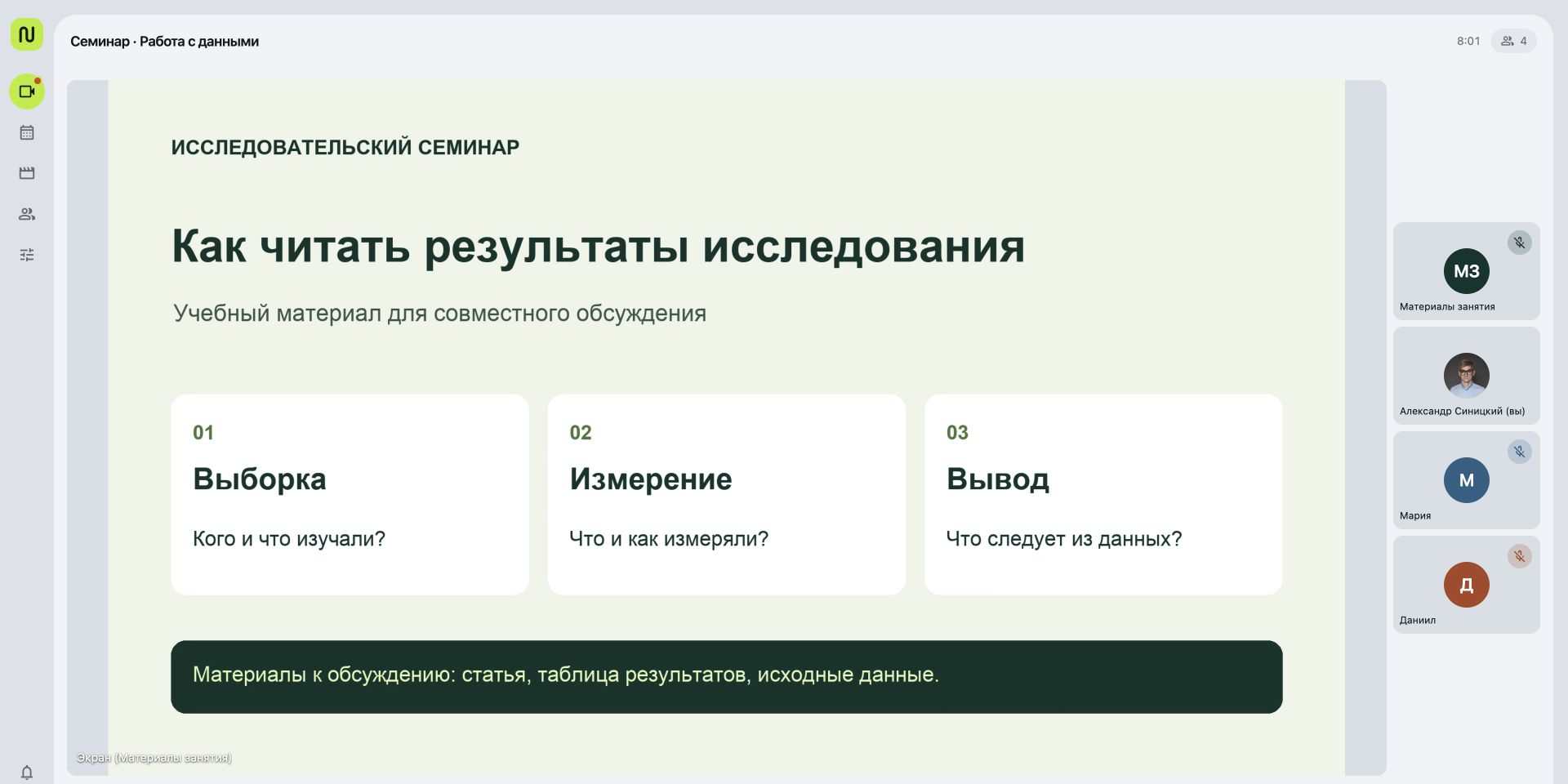
Planaro Meet showing shared teaching material beside the participants.
Teaching material shared in a Planaro Meet session. View full size ↗

Keep bonds and notation readable

Retain the relevant bonds and labels when enlarging a structure. Put alternatives side by side and identify the feature being compared.

Provide the source file separately so students can explore its details at a suitable scale.

Discuss one transition in a scheme

Prepare the scheme and conditions used in your course. Work through one transition while keeping the starting and resulting representations available.

Meet shares the view and conversation. Formula editing and model work happen in your selected tools.

Review the student’s reasoning

A student can share a document from a computer or prepare a readable image of handwritten work. Discuss which information supports the next step.

In a seminar, compare alternatives for the same task with consistent notation and a clear speaking order.

Retain precise source material

Keep the problem, formulas and reviewed explanation together. Choose a follow-up task related to the question raised in the tutorial.

Record by agreement. Check names, numbers and notation in a transcript, retaining the original chemical schemes separately.

Before the first session

Can I share a chemistry editor?

Yes. Open the application or browser tool and share its window in Meet.

Can I review a lab report?

You can discuss prepared schemes, data and conclusions. Practical procedures remain part of your institution’s course arrangements.

Does a learner need an account?

A participant can join an invited meeting as a guest. The organiser creates the meeting from their account.

Bring the next question into a shared view

Start with one task or question. Open the source material, create a meeting and send the invitation to your learners.