For teachers, tutors and study groups

Teach Electrical Engineering Online

Keep the circuit beside the quantities and working. Use Planaro to discuss a teaching problem, a circuit model or a prepared report.

Keep your materials in the tools you already use. Explore Planaro Meet.

Start with the teaching task

Connect each calculation to the circuit element it describes

A current or voltage appears in the working without a clear branch or element reference. Share the circuit and chosen directions beside the calculation.

Open the prepared material in Meet. Students can explain the method and locate the relevant quantity. Simulation runs in your selected external tool.

A relationship in a teaching model

U = I · R

Identify the element, directions and units

Make clear which part of the circuit each quantity refers to.
A classroom model discussion, rather than instructions for handling electrical equipment.
A session in Planaro

A shared view of the work you are discussing

Open the material in your usual application on a computer and share the relevant window in Planaro Meet. Meeting chat keeps a source link, question or short note alongside the conversation.

A learner can join by link as a guest. To review their work, a participant on a computer can share their own window after the current share ends. Use the Planaro calendar to arrange a follow-up session.

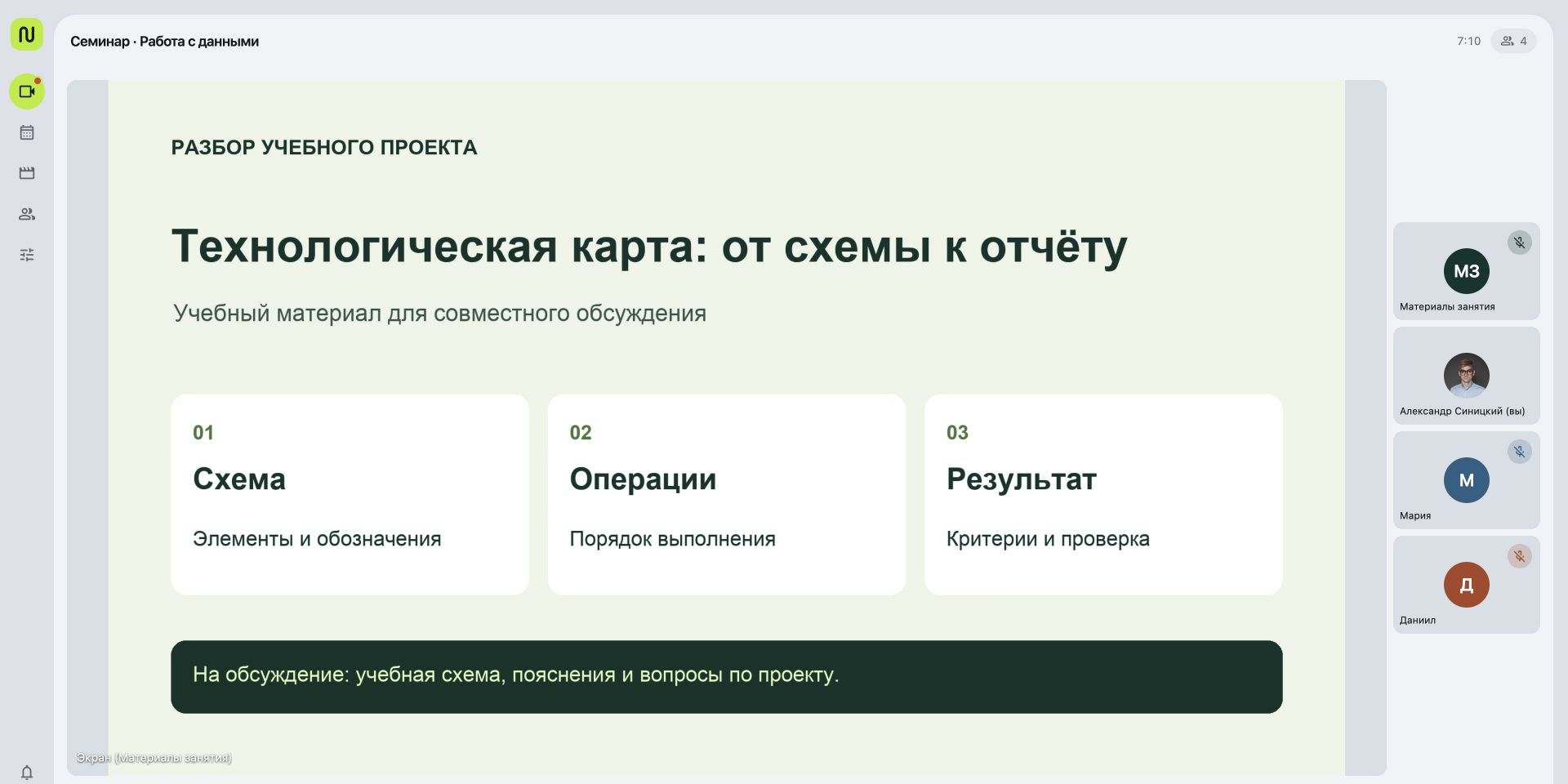
Planaro Meet showing shared teaching material beside the participants.
Teaching material shared in a Planaro Meet session. View full size ↗

Prepare a readable circuit

Retain element labels, nodes and directions. When enlarging an area, keep a reference to the whole circuit.

Use clear labels for compared states. Meeting chat can hold the original diagram link.

Review the working

Keep starting data beside the intermediate steps. Ask students to explain the method and check the units.

Use an external editor or whiteboard for handwriting. Shared editing depends on that tool’s access settings.

Discuss prepared simulation results

Share the model inputs and outputs in their source application. Relate a changed result to the specific input condition.

Equipment-based practical work follows your institution’s arrangements. The meeting supports discussion of prepared diagrams and results.

Retain the circuit and explanation

Keep the source file, notation and reviewed calculation after class so students can reconstruct the reasoning.

Record by agreement, checking symbols, units and numbers in the transcript against the original material.

Before the first session

Can I share a circuit simulator?

Yes. Open the teaching model in the external application and share its window.

How can I review student work?

The student can share a computer window or prepare a readable image of their working.

Does a learner need an account?

A participant can join an invited meeting as a guest. The organiser creates the meeting from their account.

Bring the next question into a shared view

Start with one task or question. Open the source material, create a meeting and send the invitation to your learners.