For teachers, tutors and study groups

Teach Electronics Online with Planaro

Discuss how an input relates to a model’s output. Use Planaro to keep the circuit, diagrams and prepared observations in a shared view.

Keep your materials in the tools you already use. Explore Planaro Meet.

Start with the teaching task

A waveform needs its scale and observation point

A timing diagram shows a change, but it needs axes and a probe-point reference to support an explanation. Keep that information beside the image.

Share the teaching example from a simulator or document in Meet. Students can relate the input, output and chosen model conditions.

Keep these references with a waveform

  1. PointWhere is the signal observed?
  2. ScaleTime, quantity and units
  3. ConditionWhich input or operating state is used?
References for discussing a prepared teaching result.
A session in Planaro

A shared view of the work you are discussing

Open the material in your usual application on a computer and share the relevant window in Planaro Meet. Meeting chat keeps a source link, question or short note alongside the conversation.

A learner can join by link as a guest. To review their work, a participant on a computer can share their own window after the current share ends. Use the Planaro calendar to arrange a follow-up session.

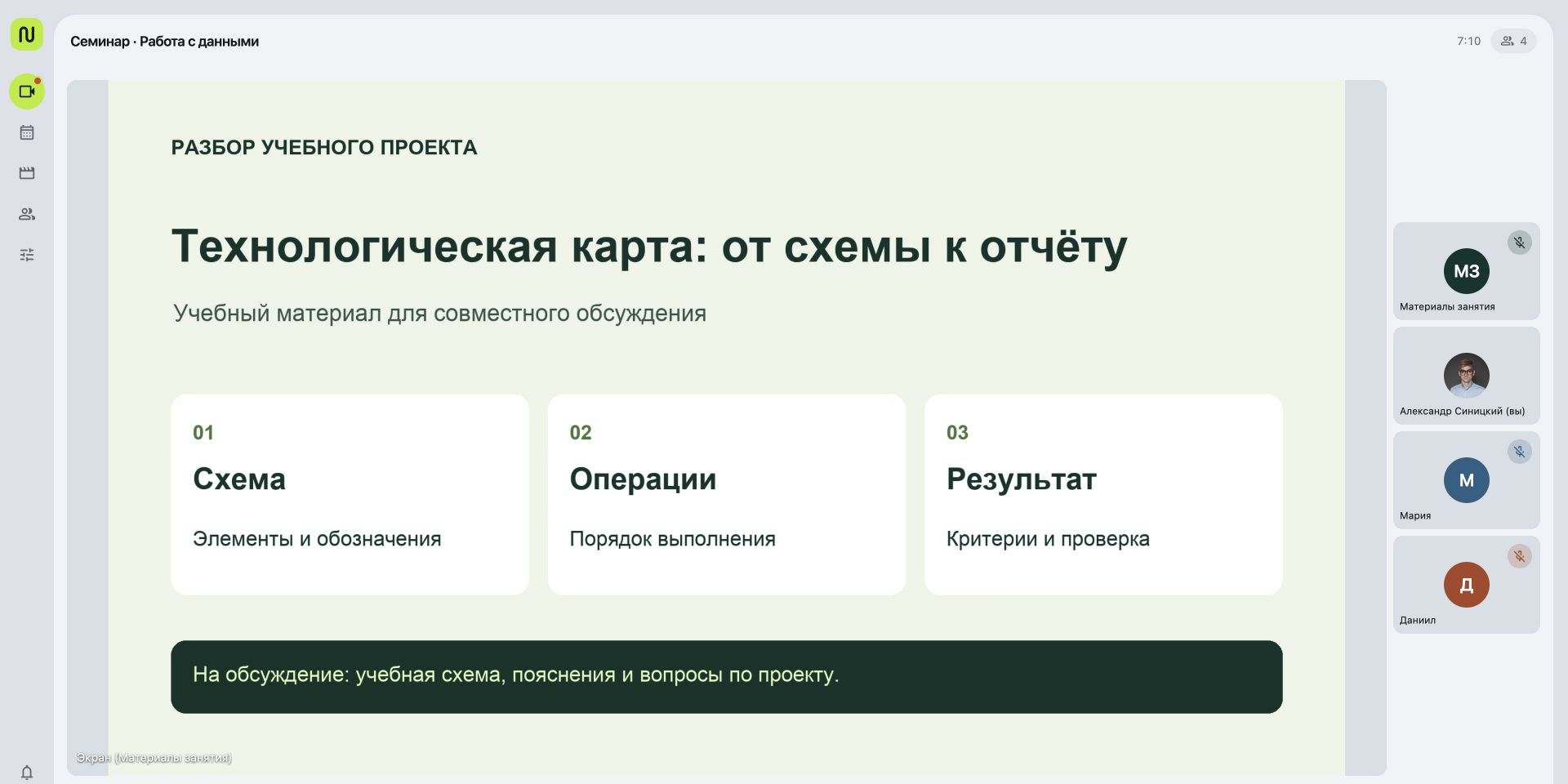
Planaro Meet showing shared teaching material beside the participants.
Teaching material shared in a Planaro Meet session. View full size ↗

Share a labelled circuit section

Prepare the relevant components and labels. Keep a clear reference to the observation point when moving to a diagram.

On smaller screens, show one area clearly and provide the original file separately.

Compare input and output

Place related diagrams side by side with readable axes. Discuss the change following a specific action in the model.

Settings and calculations belong to the source application. Meet shares that window and the conversation.

Discuss digital logic

Prepare a state table beside the circuit for a logic element. Ask students to connect the selected input to the result.

For code or another teaching environment, share the relevant window and put source references in chat.

Retain report material

Keep the circuit, parameters and labelled diagrams together. Identify a specific result for the next tutorial question.

Record by agreement and retain original images so fine labels remain available for inspection.

Before the first session

Can I share a waveform image?

Yes. Open the prepared image with its labels and share it through the screen.

Can I review a simulation?

Yes. Share the external tool with the input conditions and model output visible.

Does a learner need an account?

A participant can join an invited meeting as a guest. The organiser creates the meeting from their account.

Bring the next question into a shared view

Start with one task or question. Open the source material, create a meeting and send the invitation to your learners.