A practical teaching guide

Run Group Exam Preparation Online

Prepare a common task, a clear review sequence and a follow-up attempt. Use Planaro to bring an exam-preparation group together around the same material.

Keep your materials in the tools you already use. Explore Planaro Meet.

Start with the teaching task

Following a solution and producing one are different activities

A group has followed the explanation, but that does not yet show how each student would approach a related task. Separate the worked example from a discussion of independent attempts.

Prepare two connected problems with clear references. Review the first on the shared screen in Meet, then discuss students’ reasoning on the second.

A group revision sequence

  1. Worked exampleThe task and an explained method
  2. AttemptA related task for students
  3. ReviewQuestions about reasoning and presentation
Choose tasks and criteria for the actual curriculum and examining body you teach.
A session in Planaro

A shared view of the work you are discussing

Open the material in your usual application on a computer and share the relevant window in Planaro Meet. Meeting chat keeps a source link, question or short note alongside the conversation.

A learner can join by link as a guest. To review their work, a participant on a computer can share their own window after the current share ends. Use the Planaro calendar to arrange a follow-up session.

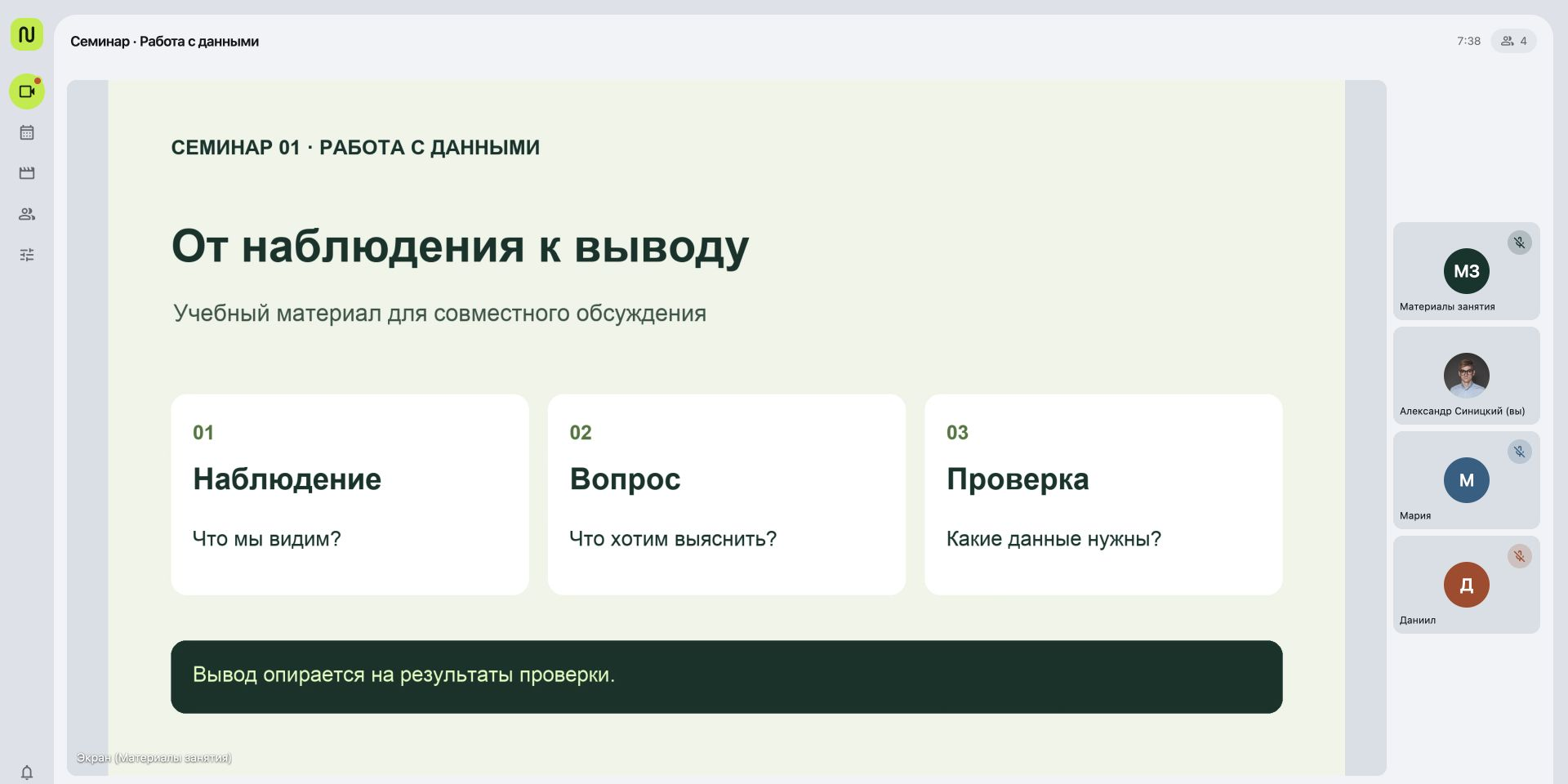
Planaro Meet showing shared teaching material beside the participants.
Teaching material shared in a Planaro Meet session. View full size ↗

1. Select current tasks and requirements

Retain the source, paper and question references. Use current material from the relevant examining body, checking the version before sharing.

For courses preparing students for Russia’s OGE or EGE, keep those exams explicitly identified. They are distinct assessments, rather than equivalents of another country’s qualification.

2. Invite the group and agree question handling

The organiser creates a meeting and sends its link with a date and time zone. Students can join as guests.

Explain when questions will be discussed and where references will be stored. Meeting chat is available for short clarifications.

3. Compare the explanation with student attempts

Share a worked method with its intermediate steps intact, then move to the related task for independent work.

A student on a computer can share their screen. Agree a readable way to show paper working in advance. The teacher applies the actual assessment criteria.

4. Leave a clear revision record

Keep question references, reviewed working and the next practice task together. Schedule another meeting in Planaro when useful.

Record by agreement and review the result before sharing it, retaining original tasks and written solutions separately.

Before the first session

Does Planaro automatically mark exam work?

The teacher reviews and assesses the work. Planaro provides the meeting, shared materials and chat.

Does every student need an account?

Students can join as guests by link. The organiser creates the meeting from their account.

Does a learner need an account?

A participant can join an invited meeting as a guest. The organiser creates the meeting from their account.

Bring the next question into a shared view

Start with one task or question. Open the source material, create a meeting and send the invitation to your learners.